 how-to
How to Design 3D Parts for Structural Strength
Last Updated: October 22, 2026
Quick Summary
How to design 3D parts for structural strength starts with understanding the forces your part will face and tracing the load path from where it enters the part to where it exits into a support or fastener. Design to reduce stress concentration at corners and holes, orient the part so loads run parallel to the print bed, use at least two to three shells for wall thickness, choose an infill density between 30 to 50 percent, and test your design under real-world conditions before finalizing it.
- Sharp 90-degree corners concentrate stress 3 to 5 times higher than surrounding material; use fillets and chamfers to reduce this.
- Parts are 10 to 20 percent weaker in the Z-direction (vertical during printing) than in the XY plane; orient loads parallel to the print bed.
- Use at least two to three shells for load-bearing pieces; one shell is adequate only for decorative or low-stress parts.
- Infill density of 30 to 50 percent balances strength and print time; below 20 percent parts become fragile.
- Test at least three identical parts under your design load with a safety factor, and record both the failure load and failure location.
Table of Contents
- Start with Load Analysis and Part Geometry
- 3D Printing Part Orientation for Strength
- 3D Printing Wall Thickness for Strength
- Choose the Strongest 3D Printing Infill Pattern
- Design Holes and Fastener Features
- 3D-Printed Part Strength Testing and Validation
- Bringing Your Design to Life
- Frequently Asked Questions
Start with Load Analysis and Part Geometry
How to design 3D parts for structural strength begins with understanding what forces your part will face and where they travel.
Before you touch CAD, ask: What will this part hold? How much weight? Will it bend, twist, or snap? The answers shape every decision that follows.
Identify the forces your part will face
Real-world loads fall into a few basic categories. Tension pulls the part apart. Compression squeezes it. Bending flexes it side to side. Shear tries to slice it. Torsion twists it.
An engraved address sign on a house gets wind loads (bending) and its own weight (tension at the mounting points). A bracket holding machinery sees repeated stress cycles over months.
Write down the worst-case load. If it's a 5-pound weight, design for 7 or 8. If it's a 50-mph wind gust, add a safety margin.
Trace the load path before you draw geometry
The load path is the route a force takes from where it enters the part to where it exits into a support, fastener, or mounting surface. Material along that route carries load efficiently; material off it adds weight and print time without strength.
A repeatable way to map it:
- Mark the input. Draw an arrow where the load enters, a hook, a shelf surface, a bolt head.
- Mark the output. Draw where the part is anchored, screw holes, a clamped base, a wall mount.
- Draw the shortest continuous path between them. That line is your primary load path. Bending and tension loads want material directly along it.
- Note where the path narrows. Any neck, hole, or thickness change along the path is a candidate for reinforcement.
For a shelf bracket, load enters at the outer edge and exits at the wall screws, running along the top flange and down into the vertical leg.
Design to reduce stress concentration
Stress doesn't spread evenly through a part. It clusters at corners, holes, and sharp transitions. A sharp 90-degree corner can concentrate stress 3 to 5 times higher than the surrounding material.
Here's what to do:
- Chamfer sharp corners, a 45-degree beveled edge instead of a sharp right angle cuts stress concentration dramatically
- Round hole edges, don't let screw holes have knife-sharp walls; add a smooth radius
- Avoid small unsupported cutouts, tiny slots or pockets create weak points that fail first
These principles are baked into every design from the CAD stage, a chamfered edge seems minor until you realize it's the difference between a part that lasts years and one that breaks in months. If you're working through a custom design and want to ensure these details are handled right from the start, Custom Quotes can walk you through the process and build strength into your part before the first print.
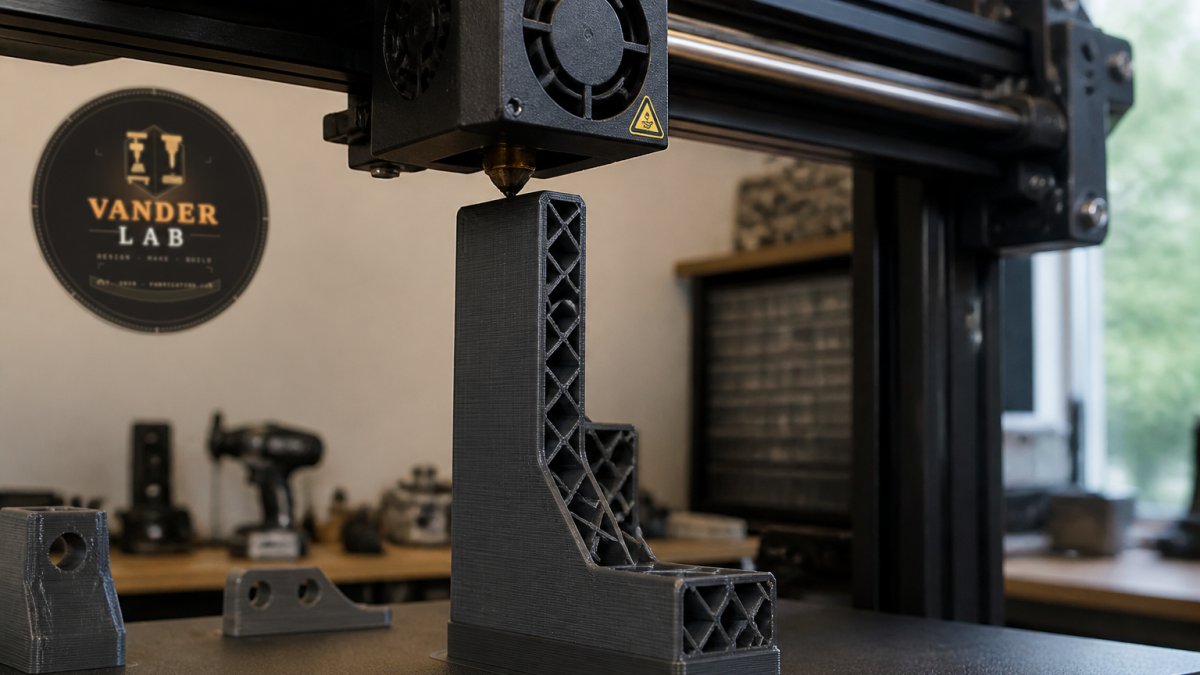
3D Printing Part Orientation for Strength
The direction you print matters more than most people realize. Printed parts are stronger in some directions than others, anisotropy, and it's one of the biggest factors in strength.
Why layer direction matters
FDM (Fused Deposition Modeling) printers build parts layer by layer, stacking plastic horizontally.
Think of laminated wood: strong along the grain, splitting easily across it. Printed parts work the same way.
The Z-axis (the vertical direction during printing) is your weak point.
According to Markforged's 3D Printing Settings guide, parts are strongest in planes parallel to the print bed.
Positioning parts for optimal layer adhesion
Start by sketching the forces on your part. Which direction does the biggest load come from? Print the part so that load runs horizontally (parallel to the print bed), not vertically.
A bracket that gets pulled downward should be printed sideways. A beam that spans a gap should be oriented so the span runs left-to-right on the bed, not bottom-to-top.
3D Printing Wall Thickness for Strength
Thin walls look elegant. They also fail easily. Wall thickness is one of the fastest ways to boost strength.
Shell count and wall loops
Most slicers let you set wall thickness or shell count.
Thicker walls mean more plastic, more strength, and longer prints, but the trade-off pays off. A one-shell part flexes and fails under load; the same part with three shells becomes rigid.
A practical rule: if your part will hold weight or resist bending, use at least two to three shells. If it's purely decorative or low-stress, one shell is fine. For load-bearing pieces, the kind you'd trust to hold something valuable, three to four shells is standard.
The research shows that wall thickness and shell count directly affect part durability, which is why precision fabrication always starts with this calculation.
Choose the Strongest 3D Printing Infill Pattern
Infill is the internal structure of your part, not solid plastic, but a framework with empty space around it, saving material and print time while keeping the part light.
But not all infill patterns are equal.
Infill density and internal structure
Infill density is the percentage of the part that's actually filled with plastic.
More infill means more strength, but with diminishing returns, a 50% infill part isn't twice as strong as a 25% one.
According to Markforged's infill guidance, a typical range of 30% to 50% infill balances strength and print time for most functional parts.
Infill pattern matters too. Grid patterns are simple. Honeycomb patterns (hexagonal cells) offer better strength-to-weight.
Research into gyroid infill shows it contributes measurably to overall part strength by distributing stress more evenly through the internal structure, according to recent advancements in 3D printing strength.
Reinforced columns and ribs
If a part needs to span a gap or support weight in the middle, infill alone won't cut it. You need structural reinforcement.
Ribs are thin internal walls that brace the part, like the frame of an airplane wing.
Columns are thicker vertical supports. Use them where a part needs to resist compression or bending.
In CAD, ribs and columns are simple to add as part of the solid geometry; they print as part of the part and bond perfectly.
Design Holes and Fastener Features
Holes are stress concentration points. A hole weakens a part more than you might expect.
For a screw hole, don't just draw a circle.
For critical holes, consider adding a boss, a raised ring around the hole.
For fastener holes, design them slightly oversized (0.5 to 1 millimeter larger than the screw diameter).
Test your design with a screw before printing the final version.
3D-Printed Part Strength Testing and Validation
You've designed and printed the part. How do you know it will hold? Test it the way it will actually be used, and write down what happened so the next version is better.
Know the failure modes you're testing for
Failure modes are the ways a part breaks. Common ones include:
- Delamination, layers peel apart (usually from poor orientation or weak layer bonds)
- Stress fracture, a crack starts at a stress concentration and spreads
- Buckling, a slender member bows sideways under compression before the material itself fails
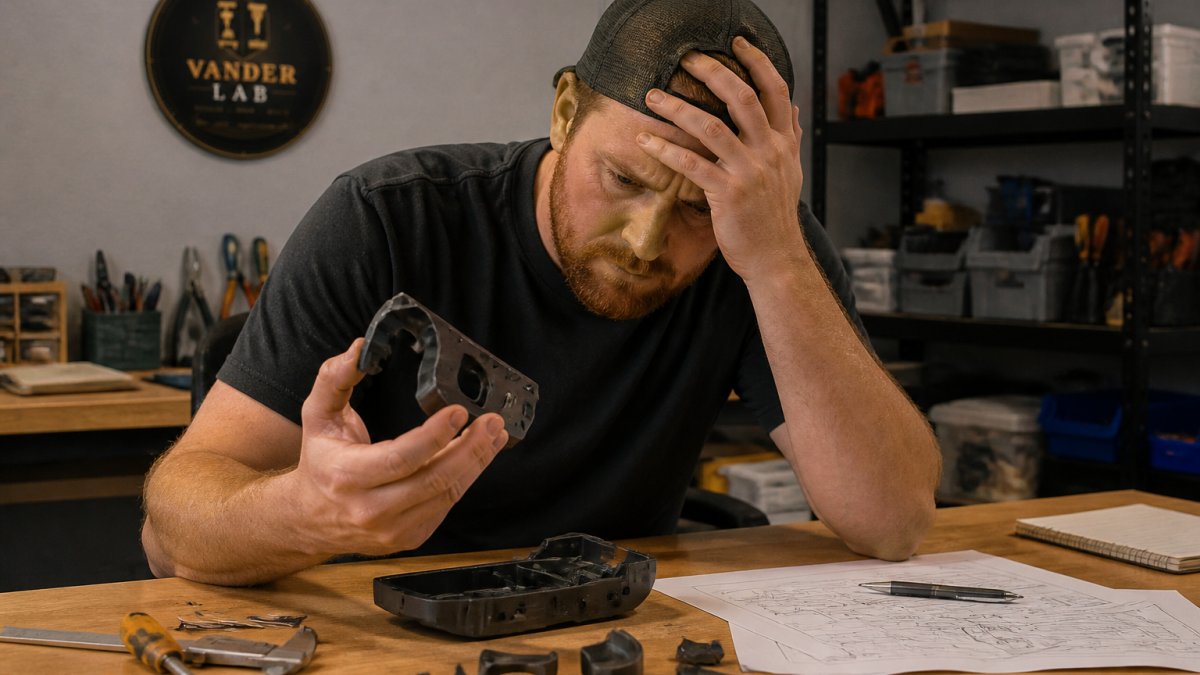
Each mode points to a different fix. Delamination usually means reorient the part. A stress fracture at a corner means add a fillet or move material onto the load path. Pull-out means a bigger boss or more wall around the hole. Buckling means add a rib or shorten the unsupported span.
Build a simple, repeatable test rig
You don't need a lab, you need a setup you can repeat exactly, so a change in results means a change in the design, not in how you tested.
A practical workflow:
- Mount the part the way it will be used. Same screws, same surface, same orientation. A bracket tested flat on a bench tells you almost nothing about a bracket bolted to a wall.
- Apply load gradually and in the real direction. Hang weights from the actual load point, or use a luggage scale to pull and read force as you go. Add weight in small steps and note the load at which you first see deflection, cracking sounds, or whitening of the plastic.
- Record the failure load and the failure location. Write both down. The location matters more than the number, because it tells you which design feature was the weak link.
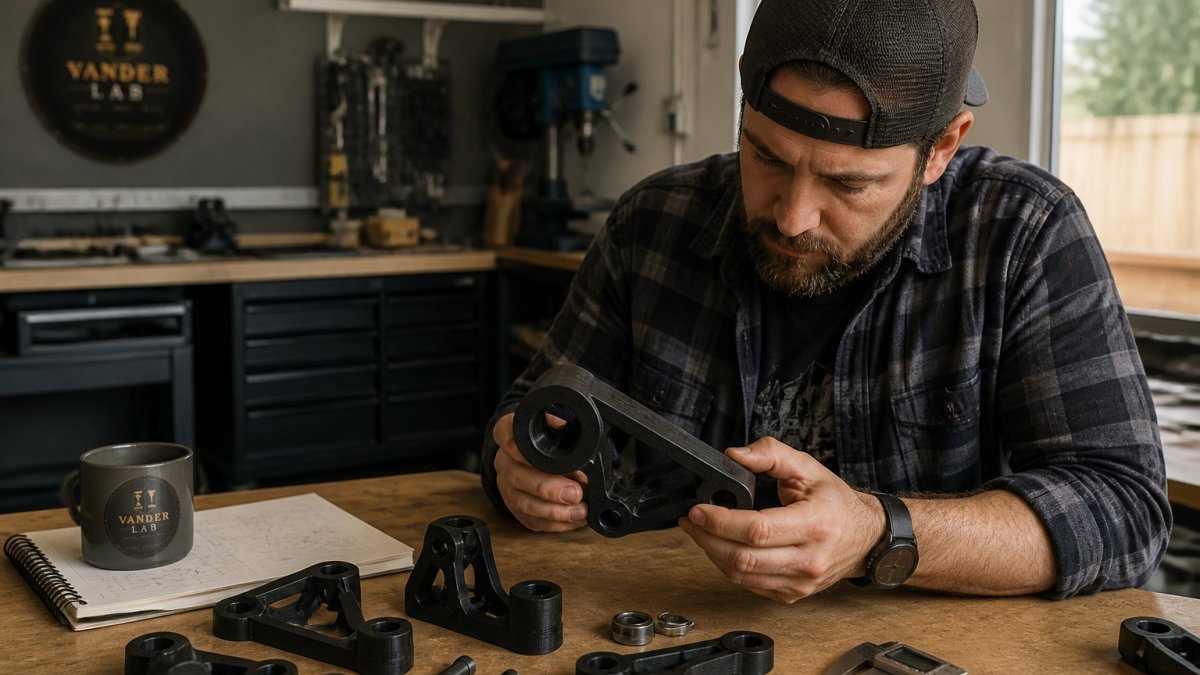
- Test at least three identical parts. Printed parts vary from print to print. One result is an anecdote; three give you a range you can trust.
Set a pass/fail target before you test
Decide in advance what counts as a pass. A common pattern is to require the part to hold its design load with a safety factor, for example, a part rated for a 10-pound working load should survive a 20- to 30-pound test without permanent deformation.
After the load test, check for permanent set, measure the part after unloading. If it didn't spring back to its original shape, it yielded, and that's a fail even if it didn't crack.
Test for the loads that build up over time
A single pull to failure misses the slow failures. For parts under constant load, leave the weight hanging for hours or overnight and measure deflection at the start and end. Growing deflection is creep, and it means the part will keep sagging in service.
Don't rely on guesswork. A written record of what broke and where turns each print into a better next version.
Bringing Your Design to Life
Designing for strength is a cycle: sketch, calculate, print a test version, load-test it, refine.
Whether you're building a one-off prototype or a small batch of specialized components, the process starts with thinking through the load, the orientation, the wall thickness, and the infill before you print. If you're ready to move from concept to production, Custom Quotes can help you design it right and print it strong. For smaller runs or ready-to-ship functional parts, the Ebay Shop carries a selection of tested designs ready to go.
It's about thinking through the engineering before you print, and standing behind what you make.
Frequently Asked Questions
How does layer direction affect the strength of a 3D-printed part?
Layer direction determines how strong your part is in different directions. Parts are strongest in planes parallel to the print bed because layers bond well side-by-side. Forces perpendicular to layers (pulling apart the Z-axis) create weakness because layer adhesion is the limiting factor. Orienting your part so the primary load runs parallel to the bed, not perpendicular, significantly improves structural strength. This anisotropic behavior is why print orientation is one of the first decisions in designing for strength.
What 3D-printing infill pattern is strongest for functional parts?
Gyroid infill offers an excellent balance of strength and material use for load-bearing parts because it distributes stress evenly in all directions. Most functional parts perform well with infill density between 30% and 50%, according to industry guidance from manufacturers like Markforged. Gyroid patterns contribute to overall strength more efficiently than simple grid patterns. The right infill depends on your specific loads, bending forces may need different patterns than compression. Testing your actual part geometry under real-world conditions reveals which pattern works best for your application.
Are thicker walls or higher infill better for strength?
Both matter, but they serve different purposes. Thicker walls (more shell loops) resist bending and protect against delamination. Higher infill density improves compressive strength and stiffness. For most functional parts, starting with 2-4 shell loops and 30-50% infill is a solid baseline. The real answer depends on your load type: a part resisting bending may benefit more from thicker walls, while a part under compression may need higher infill. Testing your specific design under actual loads shows which approach works best.
How can you test the structural strength of a 3D-printed part?
Start by testing a prototype under the real loads it will face. Tensile testing (pulling), compression testing (squeezing), and bending tests reveal failure modes and stress limits. Print a test sample, load it gradually, and observe where it fails, cracks, layer separation, or permanent deformation all tell you how to adjust wall thickness, infill, or orientation. This iterative approach helps you refine the design before committing to a production run.
Strong 3D-printed parts start with smart design choices, not just the right printer. By analyzing loads, orienting parts for strength, choosing proper wall thickness and infill, and reinforcing critical areas, you build parts that actually work. VanderLab brings this precision mindset to every project, taking your concept and building it to last. Ready to turn your idea into a tested, functional part? Get started with a custom quote.