 blog
blog
Protolabs vs Xometry for Rapid Prototyping: 2026 Guide
Table of Contents
- Protolabs vs Xometry for Rapid Prototyping: Quick Comparison
- Manufacturing Capabilities: CNC Machining, 3D printing, and Injection Molding
- Best Practices for Prototype Design on Both Platforms
- Lead Times for Custom Rapid Prototyping: Who Ships Faster?
- Post-Processing, Surface Finish, and Tolerance Capabilities
- IP Protection, Data Security, and CAD Software Integration
- Pricing Models and Scalability: From Prototype to Production
- Conclusion: Which Platform Fits Your Project?
- Frequently Asked Questions
Last Updated: September 13, 2026
Protolabs vs Xometry for Rapid Prototyping: Quick Comparison
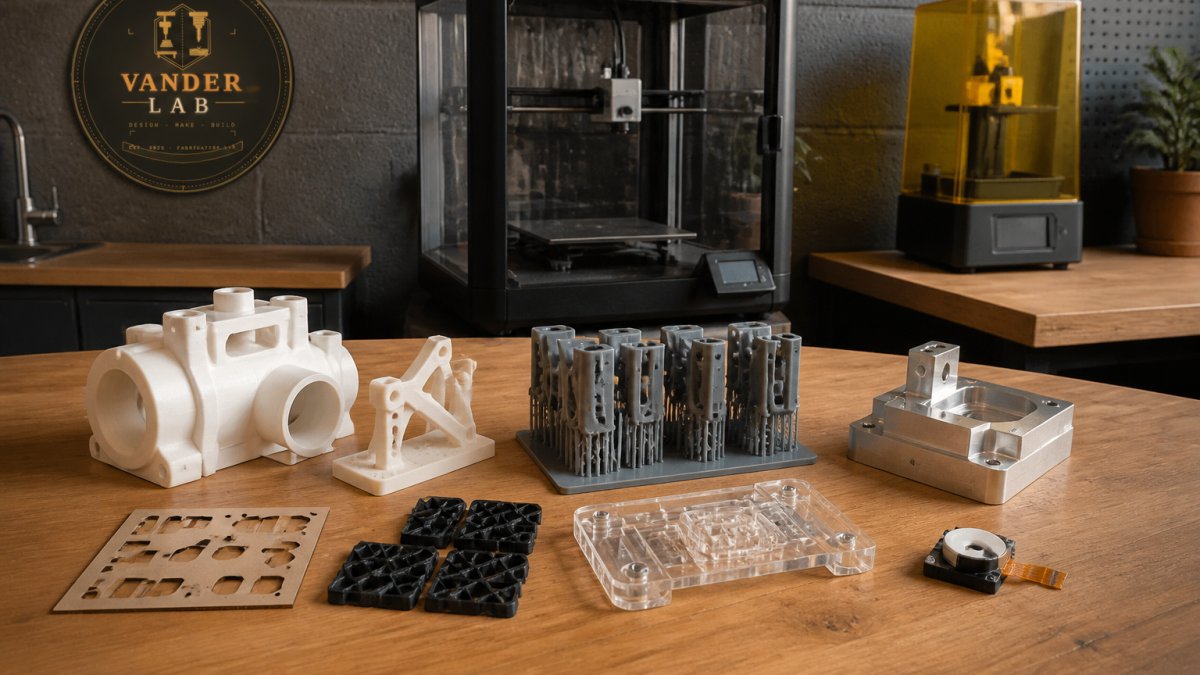
Choosing between Protolabs and Xometry for rapid prototyping comes down to one question: do you want a factory, or a marketplace? Protolabs runs its own facilities and standardized processes. Xometry routes your job through a network of partner shops. This 2026 comparison from VanderLab breaks down speed, materials, CAD support, and cost so you can pick the right fit for your project.
Both platforms serve engineers who need functional parts fast. The difference shows up in quoting logic, tolerance control, and how much DFM feedback you get before the spindle turns.
| Factor | Protolabs | Xometry |
|---|---|---|
| Model | In-house, standardized | Partner manufacturing network |
| Instant quoting | Yes, automated engine | Yes, automated quoting engine |
| Process range | CNC, 3D printing, injection molding | CNC, 3D printing, injection molding, sheet metal |
| Best for | Tight tolerances, repeatability | Broad capacity, flexible sourcing |
Manufacturing Capabilities: CNC Machining, 3D printing, and Injection Molding
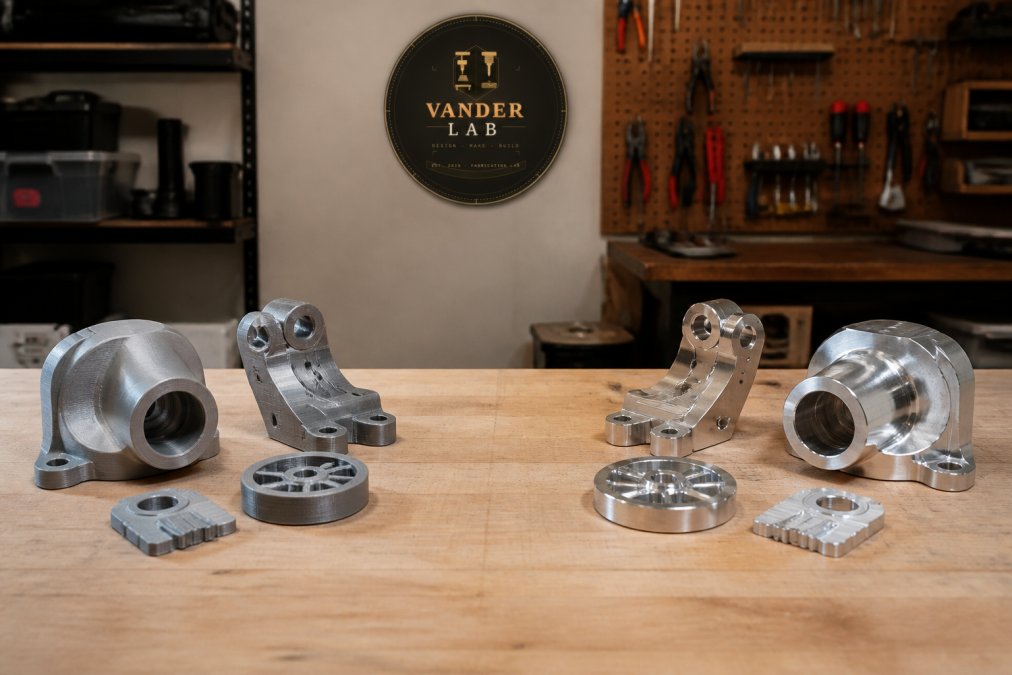
Both platforms cover the three core processes, but they scale differently. Protolabs leans on standardized manufacturing inside its own plants, which keeps part geometry consistent across repeat orders. Xometry's strength is breadth: its manufacturing network can absorb overflow, unusual materials, and low-volume runs that a single shop might decline.
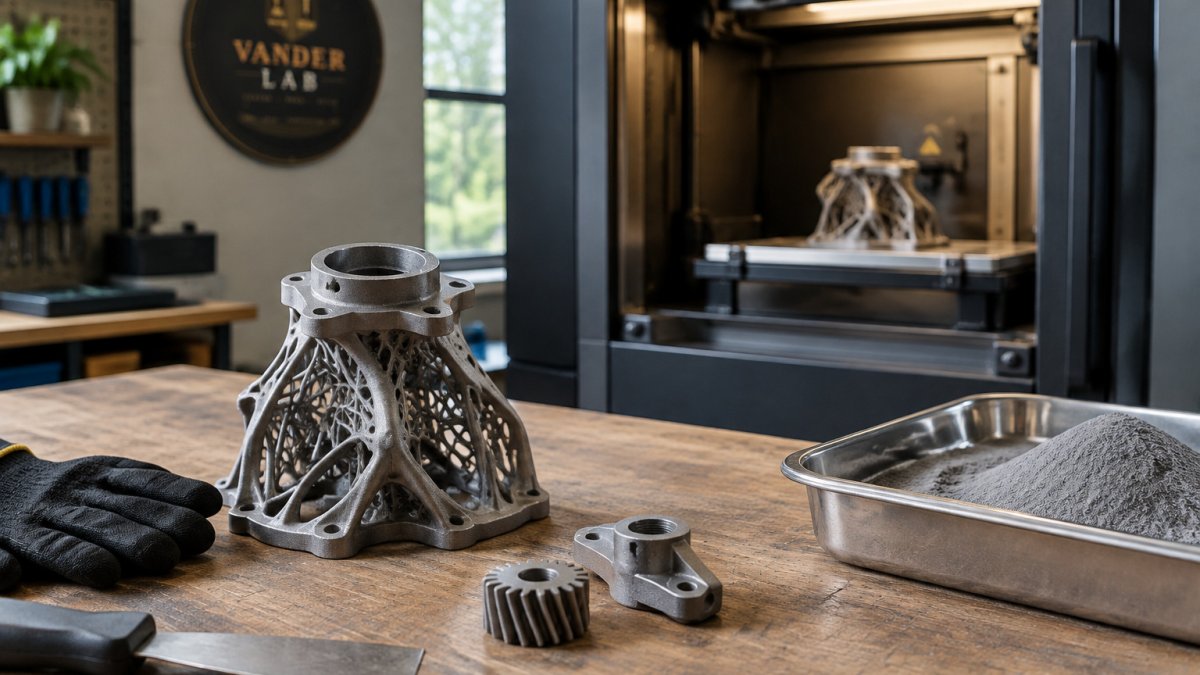
For CNC machining, expect both to handle tight tolerance requirements on metals and engineering plastics. On the additive side, both offer common 3D printing technologies, including SLA, SLS, and MJF. Injection molding is where Protolabs' standardized tooling approach shines for bridge production, while Xometry is often the better route for bespoke production with unconventional geometries.
A common mistake is assuming both platforms quote the same way. They don't. Protolabs prices against its own capacity; Xometry prices against whatever partner shop accepts the job.
Best Practices for Prototype Design on Both Platforms
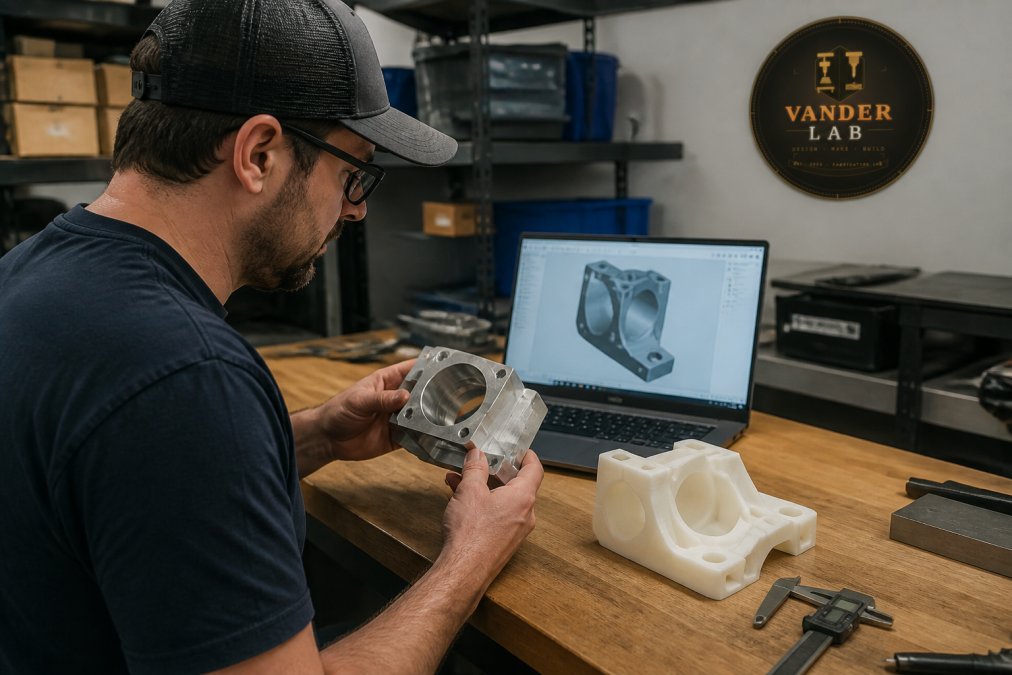
Design for manufacturing is the single biggest lever on cost and lead time, and the two platforms surface that feedback in different ways. Protolabs runs an automated design-for-manufacturability analysis that flags thin walls, deep pockets, and unachievable tolerances against its own in-house process windows before a human ever looks at the file. Xometry's engine does something similar but routes the analysis against a partner network, which means the feedback you get back can reflect the capability of whichever shop the job lands with, broader on unusual geometry, less consistent on edge cases.
What that means in practice: the same STEP file can return a clean DFM pass on one platform and a manual review flag on the other, not because the part changed but because the process window did. Treat the DFM report as a starting point, not a verdict.
A working checklist that holds up across both platforms:
- Model threads and tapped holes explicitly rather than leaving them to the machinist. Ambiguous callouts are the most common trigger for a manual review, which adds days.
- Specify tolerance requirements only where the function demands them. A blanket tight-tolerance callout on a non-critical face is one of the fastest ways to inflate a quote without improving the part.
- Note surface finish expectations up front, not after the quote. As-machined, bead-blasted, and anodized finishes carry different setup and handling steps, and adding one later forces a re-quote.
- Keep prototype iteration files versioned so re-quotes stay accurate. If you upload a revised file after a quote, confirm the new geometry is what actually gets machined, version drift between quote and build is a quiet source of scrap.
- Design around the process you intend to scale into. A geometry that only works as a machined prototype can lock you out of a molding path later, which is where unit cost actually drops.
A common pattern among engineers running parallel quotes is to submit the same file to both platforms and compare not just the number but the DFM notes. Where the two reports disagree is usually where the design is genuinely ambiguous, and that disagreement is more useful than either quote on its own.
Lead Times for Custom Rapid Prototyping: Who Ships Faster?
Lead times for custom rapid prototyping depend less on the platform and more on process, material, and queue depth. Both advertise expedited tiers, and both can slip when a material is out of stock or a part needs manual DFM review. Protolabs tends to be predictable on standard processes because the work stays in-house. Xometry can be faster on unusual jobs simply because more shops are bidding.
Shipping logistics matter here too. A faster build with a slower transit option nets out the same. Confirm the ship date, not just the build date, before you commit.
| Scenario | Likely Faster Option | Why |
|---|---|---|
| Standard CNC, common alloy | Protolabs | In-house queue, standardized setup |
| Unusual material or finish | Xometry | Wider shop network |
| Bridge tooling for molding | Protolabs | In-house tooling workflow |
Post-Processing, Surface Finish, and Tolerance Capabilities
Post-processing is where most comparison guides stop short, and it's where projects actually succeed or fail. An as-machined finish rarely matches a customer-facing part, and the finishing step you choose changes both appearance and dimensional stack-up. This is the section competitors skip, so it's worth slowing down here.
How finishing interacts with tolerance. Anodizing builds a thin oxide layer that adds material to the surface, which shifts dimensions on tight-tolerance features (nasa.gov). Bead blasting removes a small amount of material and rounds edges, which matters on sealing faces and press-fit bores. Powder coating is thick enough to close small gaps and obscure fine detail. Vapor smoothing on additively manufactured parts rounds corners and can soften features below a certain size. None of these are reasons to avoid finishing, they're reasons to specify finishing before you finalize tolerances, not after.
Tolerance behavior by process and geometry. Thin walls, deep bores, and unsupported overhangs behave differently across CNC, additive, and molding. A wall that machines cleanly at a tight tolerance may deflect during a molding cycle. A deep bore that holds dimension in aluminum may drift in a softer polymer. An overhang that prints acceptably at one orientation may need support that leaves a witness mark on the finished face. The practical move is to ask for the achievable tolerance on your specific geometry before you design around a number, both platforms publish process-level tolerance tables, and both will flag parts that fall outside standard capability, but the table is a floor, not a promise.
Where the two platforms diverge. Protolabs applies finishing inside its own standardized workflow, which keeps results repeatable across repeat orders, useful when you're producing a batch that has to match. Xometry routes finishing through partner shops, which widens the menu of available finishes but introduces variation between vendors. If your part has a cosmetic requirement that has to look identical across a run, that difference matters.
IP Protection, Data Security, and CAD Software Integration
IP protection is a legitimate concern when your CAD file leaves your building. Both platforms operate under confidentiality agreements and offer NDA options, and Xometry's distributed network means more hands touch the file. If your design is patent-pending or export-controlled, confirm the data handling terms in writing before upload.
CAD software integration is smoother than most engineers expect. Both accept STEP, IGES, and native SolidWorks files, and both integrate with common CAD workflows through direct upload or plugin. The friction point is version control: if you upload a revised file after a quote, confirm the new geometry is what actually gets machined.
According to NIST guidance on protecting controlled unclassified information, manufacturers handling sensitive technical data should verify cybersecurity practices across their supply chain, not just at the primary vendor.
Pricing Models and Scalability: From Prototype to Production
Pricing on both platforms is quote-driven, so there's no published rate card to compare. Protolabs prices from its own cost model; Xometry's automated quoting engine prices against partner capacity, which means the same file can return different numbers on different days. For production scalability, ask each platform how unit cost behaves at 10, 100, and 1,000 units before you commit to a design.
Cost-to-part ratio improves fastest when you move from prototype processes to production processes, like CNC to injection molding. Plan that transition early so your prototype geometry doesn't lock you into an expensive process later.
If your project needs a hand-finished, one-project-at-a-time approach rather than an automated marketplace, Custom Quotes works directly with you from sketch to finished part, and you can browse ready-made pieces in the Ebay Shop.
Conclusion: Which Platform Fits Your Project?
Picking between Protolabs and Xometry for rapid prototyping isn't about which platform is better in the abstract. It's about whether your job needs in-house repeatability or network flexibility. Protolabs wins on standardized processes and tight tolerances. Xometry wins on breadth and unusual materials.
For engineers who want a partner instead of a portal, VanderLab brings precision fabrication from concept to finished part, with custom CNC machining, 3D printing, and CAD design that turns rough ideas into machine-ready files. Based in Mebane, North Carolina, with local pickup and shipping nationwide.
Frequently Asked Questions
Is Protolabs faster than Xometry for rapid prototyping?
Protolabs often ships CNC machined parts in as little as one business day because it runs its own factories. Xometry typically quotes two to five business days for similar work since it routes jobs through a partner network. For a single bracket or enclosure, Protolabs usually wins on raw speed. For larger batches or unusual materials, Xometry's network can match or beat that timeline.
What are the primary differences between Protolabs and Xometry?
Protolabs is a digital manufacturer that owns and operates its own facilities, so it controls quality, tolerances, and lead times directly. Xometry is a marketplace that connects your CAD file to a vetted network of independent machine shops. That means Xometry offers broader material selection and often lower unit costs at volume, while Protolabs delivers more predictable turnaround and tighter process control.
Does Protolabs or Xometry offer better quality control for small-batch parts?
Protolabs runs all production in-house under a single quality management system, which makes inspection records and repeatability easier to trace. Xometry vets every partner shop and requires adherence to its quality standards, but results can vary slightly between suppliers. For critical tolerance requirements on small batches, Protolabs provides more consistent documentation. For non-critical parts, Xometry's network quality is generally reliable.
How do Protolabs and Xometry compare in terms of material selection?
Xometry typically offers a wider catalog because its partner network includes shops with specialized stock, from engineering resins to exotic alloys. Protolabs maintains a curated selection focused on its core CNC, 3D printing, and injection molding processes. If your prototype needs a niche material or a specific surface finish, Xometry is more likely to source it. For standard aluminum, steel, ABS, or nylon, both platforms cover the basics well.
The real challenge isn't choosing a platform. It's finding a maker who'll treat your prototype like it matters. VanderLab offers precision fabrication from concept to finished part, including CNC machining, 3D printing, and CAD design that turns rough sketches into print- or machine-ready files. Get started with VanderLab and get a part built to spec, on time and on budget.