 comparison
Acrylic vs Metal on a CNC: Which Works Best
Last Updated: November 3, 2026
Quick Summary
Yes, cnc acrylic machining works well, and cast acrylic (PMMA) is one of the most common plastics cut on a CNC. Results depend on the material grade, the tooling, and the settings you choose. Most failed parts come from heat rather than the machine.
- Choose cast acrylic over extruded sheet for cleaner edges and less rework.
- Use sharp single-flute end mills, which clear chips efficiently and reduce heat buildup.
- Take multiple shallow passes rather than one deep cut to keep heat low.
- Run a test cut on scrap of the same grade and thickness before every new job.
- Replace dull bits before edge quality drops, since dull tooling causes more melting than most factors.
Table of Contents
- Does CNC Machining Work for Acrylic? The Short Answer
- CNC Router vs Metal Mill: How Each Handles Acrylic
- Comparing Desktop CNC Options for Acrylic Work
- Best End Mills for Acrylic: Single-Flute vs Standard Bits
- CNC Acrylic Cutting Settings: Feeds, Speeds and Chip Load
- Outsourcing Acrylic Parts vs Machining Them Yourself
- Booking Your Acrylic Project in Mebane
- Frequently Asked Questions
Does CNC Machining Work for Acrylic? The Short Answer
Yes, CNC machining works well for acrylic, and cast acrylic (PMMA) is one of the most common plastics cut on a CNC, making it a standard choice for any cnc acrylic project. The catch is that "works" depends on the material grade, the tooling, and the settings you choose. Get those right and you can produce clean, precise parts. Get them wrong and you end up with melted edges, chipped corners, or cracked sheets.
Acrylic is brittle compared to many machining plastics, and it is sensitive to heat. That is the core tension in every acrylic project. Cutting fast generates friction, friction generates heat, and heat softens the plastic. Most failed acrylic parts trace back to heat, not to the machine itself. Keep that in mind as you read through the rest of this guide.
CNC Router vs Metal Mill: How Each Handles Acrylic
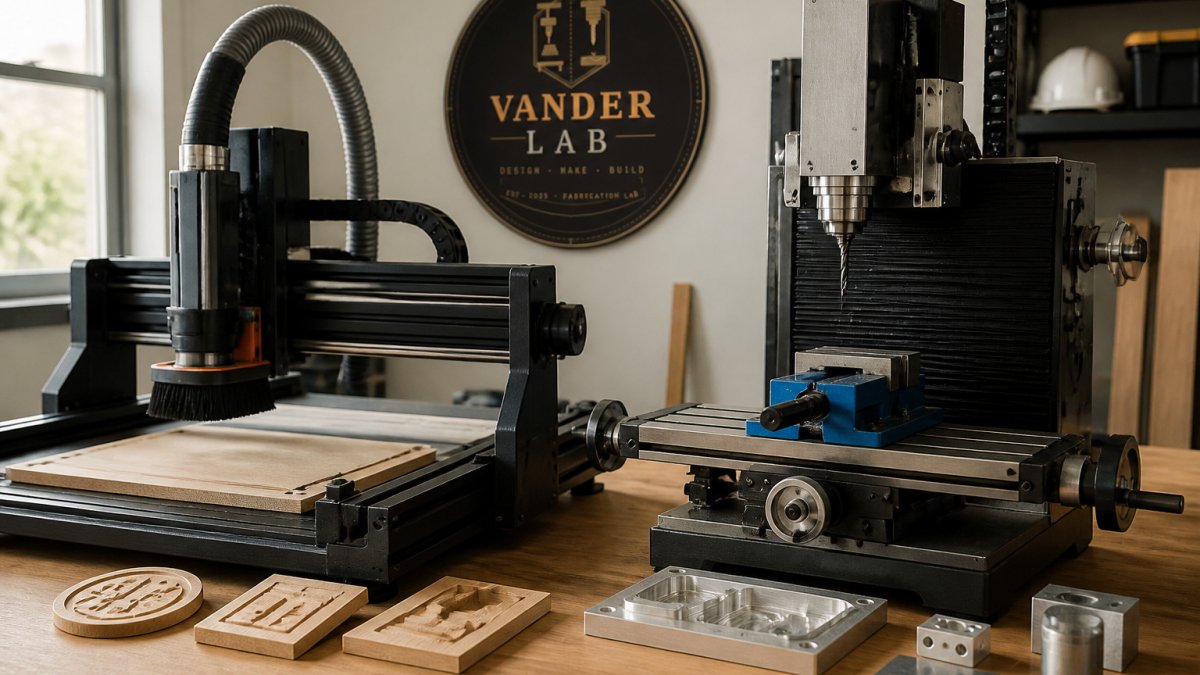
A CNC router and a metal mill can both cut acrylic, but they are built for different jobs. Routers are generally lighter, faster, and better suited to sheet goods and signage. Mills are heavier, more rigid, and designed for tight tolerances in harder materials.
For acrylic, the difference shows up in how the machine handles vibration and heat. A rigid machine holds a steady cut, which reduces chatter and produces a smoother edge. A lighter machine can work well on thin sheets but may struggle with deep cuts or long runs.
Rigidity, Spindle Speed and Torque Needs
Rigidity matters more for acrylic than most people expect. Gantry deflection and frame flex show up as chatter marks and uneven edges. A stiff frame with ball screws or quality lead screws keeps the tool path accurate.
Spindle speed and torque need to be balanced. Acrylic generally responds well to higher spindle speeds with light, shallow passes. Too little speed and the tool drags and heats the plastic. Too much torque at low speed and the tool can grab and chip the edge. A machine with a good spindle and adequate torque gives you more room to adjust.
Why Cast Acrylic Outperforms Extruded Sheet
Cast acrylic machines more cleanly than extruded sheet. Cast sheet has a more uniform molecular structure, so it cuts with a crisper edge and is less prone to melting along the cut line. Extruded sheet tends to be softer, gums up tooling faster, and can leave a rougher finish.
If you are buying material for a project, check the label for cast. It costs more, but the edge quality and reduced rework usually justify the difference.
Comparing Desktop CNC Options for Acrylic Work
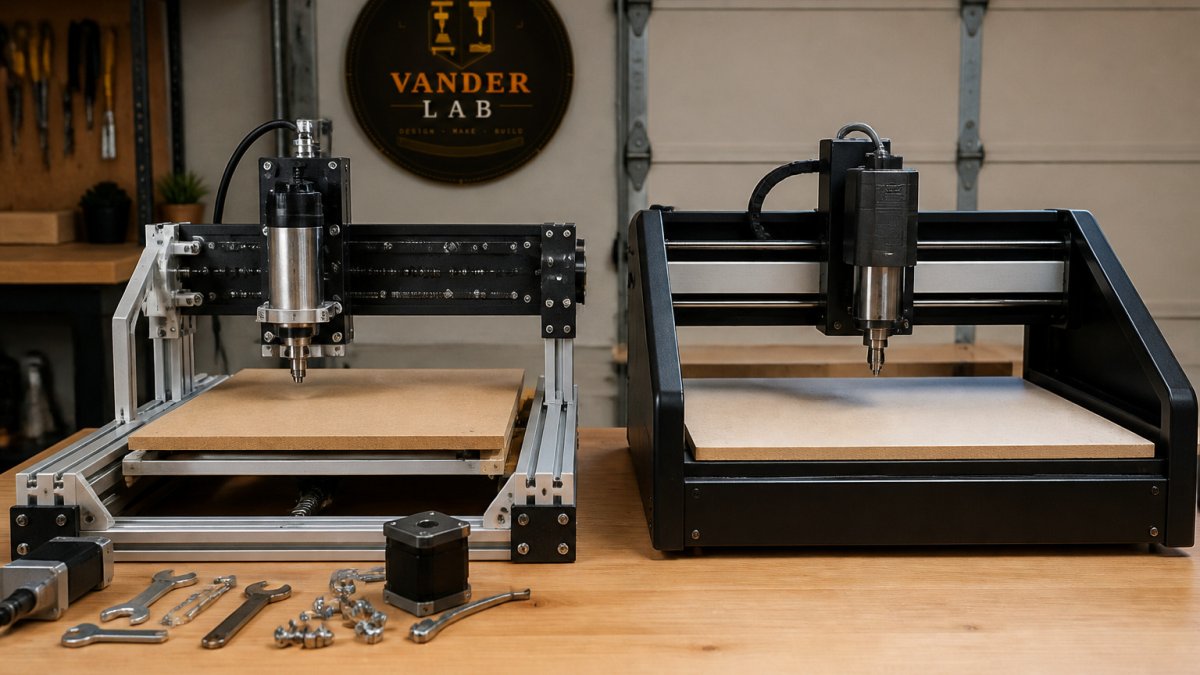
Desktop machines have made acrylic work accessible to home makers and small shops, but the category is broad and the marketing copy rarely tells you which machine suits which job. It helps to sort desktop CNCs into three classes and match the class to the acrylic work you actually plan to do.
Class 1, Hobby router kits (moving-gantry, belt or lead-screw driven). These are the least expensive way into acrylic engraving and light profile cutting.
Class 2, Benchtop mills and rigid desktop routers (ball-screw driven, cast or heavy aluminum frame). This is the sweet spot for precision acrylic parts. A rigid frame with ball screws holds a steady tool path, which keeps the cut cool and the edge clean.
Class 3, Desktop-scale production routers (larger gantry, router spindle, vacuum or T-slot bed). These trade some precision for work area and speed, and they suit signage, panels, and batch cutting of sheet goods.
A few specs matter more than the marketing sheet when you are comparing machines for acrylic:
- Frame rigidity and drive type. Ball screws beat lead screws beat belts for holding a steady cut. Ask what the gantry is made of and how much deflection the maker quotes.
- Spindle speed range. Acrylic likes higher RPM with light passes. A spindle that tops out around 10,000 RPM limits how fine you can run small tools; one that reaches 20,000 RPM or more gives you room to keep chip load in range with small-diameter end mills.
- Work area versus sheet size. Most acrylic sheet is sold in half-sheets and full sheets. If you plan to cut from stock sheet, confirm the machine can take the size you buy, or plan to break sheet down first.
- Workholding. T-slot beds, vacuum tables, and clamp kits all change how flat and stable your sheet sits. A machine with a poor bed will fight you on thin acrylic.
- Dust and chip management. Acrylic chips are light and static-prone. A machine with a good chip-evacuation path and a shop-vac shoe keeps chips out of the cut, which is half the battle against melting.
Watch out: a machine advertised as "acrylic-ready" may still ship with a spindle and bed that only suit engraving. Confirm the spindle power, drive type, and work area against the thickness and part size you actually need before you buy.
Desktop machines are not the only route. When a project exceeds what a desktop machine can hold or cut, outside milling and routing shops can take it on. Those are useful when a part needs tolerances or a size your bench cannot reach, and they let you test a design before committing to equipment.
Best End Mills for Acrylic: Single-Flute vs Standard Bits
Tooling makes as much difference as the machine. For acrylic, single-flute end mills are a common recommendation because they clear chips efficiently and reduce heat buildup. Single-flute end mills made for plastics are a common choice for acrylic, and pricing for tooling depends on the specific bit and supplier.
Standard wood-cutting bits with multiple flutes can work, but they tend to pack chips into the flutes, which generates heat and can melt the edge. Specialized acrylic tooling can cost more up front, but may mean fewer ruined parts.
Watch out: a dull bit causes more heat and more melting than almost any other single factor. Inspect your tooling regularly, and replace it before the edge quality drops rather than after.
Tooling choice changes how acrylic cuts, so the two main options are compared below.
| Tooling | Best for | Key difference |
|---|---|---|
| Single-flute end mill | Acrylic cutting | Clears chips efficiently, reduces heat buildup |
| Standard multi-flute wood bit | Wood-cutting work | Packs chips into flutes, can melt the edge |
| Dull bit (any type) | None | Generates more heat and melting than most factors |
CNC Acrylic Cutting Settings: Feeds, Speeds and Chip Load
Most acrylic cutting problems are heat problems, and heat is set by three numbers: spindle speed, feed rate, and chip load. Chip load is the thickness of material each flute removes per revolution, and it is the number that decides whether the tool is cutting or rubbing. A tool that rubs generates friction, friction softens the acrylic, and softened acrylic gums the flutes and melts the edge. A tool that cuts cleanly lifts a chip away and carries heat out with it.
The working relationship is simple: chip load equals feed rate divided by (spindle RPM times number of flutes). For a single-flute end mill, that means feed rate equals chip load times RPM. If you know the chip load you want and the RPM your spindle runs best at, the feed rate falls out of the math.
A practical starting range for cast acrylic with a sharp single-flute end mill is a chip load of roughly 0.002 to 0.005 inches per revolution for small-diameter tools, paired with spindle speeds in the 12,000 to 18,000 RPM range on a router spindle. That is a starting point, not a prescription.
Depth of cut matters as much as feed and speed. Multiple shallow passes keep the heat budget low and let chips escape.
Heat management is the other half of the settings. Compressed air aimed at the cut clears chips and cools the tool without the mess of liquid coolant.
Watch out: a dull bit causes more heat and more melting than almost any single setting. A bit that has cut wood or aluminum will have a worn edge, and a worn edge rubs instead of cuts. Inspect tooling regularly and replace it before edge quality drops, not after.
Run a test cut on scrap of the same grade and thickness before every new job. Change one variable at a time, feed rate first, then spindle speed, and watch the chip shape. Clean, distinct chips mean the cut is working.
Outsourcing Acrylic Parts vs Machining Them Yourself
Machining acrylic yourself gives you control over timing and iteration. You can test a design quickly and adjust without waiting on a third party. The trade-off is equipment cost, tooling costs, maintenance, and the learning curve.
Outsourcing makes sense when you need high-tolerance parts, larger runs, or specialized processes. Before you send a design out, prepare clean CAD files and confirm your dimensions. Learn how to prepare CAD files for CNC machining so the acrylic part comes out right. A mismatch between your drawing and the final part is one of the most common reasons for rework.
Custom CNC machining services can suit small businesses that need consistent batches without buying equipment. Compare quotes from any shop you consider, and ask what material grade it uses. Cast acrylic should be specified in your order.
Booking Your Acrylic Project in Mebane
If you are a local maker, artist, or small business in the Mebane area, VanderLab can handle acrylic projects from concept to finished part. We work from sketches, photos, or rough ideas, turn them into machine-ready files, and produce precision CNC-routed pieces, signage, and personalized keepsakes. Local pickup is available, and shipping is offered nationwide.
Precision CNC routing can suit artists and makers who need consistent edges on decorative installations or one-of-a-kind pieces. If you are planning a project, request a custom quote to get started. You can also browse finished work and products in our eBay shop.
Acrylic is forgiving once you understand its limits. Pick cast material, use sharp single-flute tooling, keep your feeds steady, and test on scrap first. Those four habits prevent most of the problems people run into.
Frequently Asked Questions
Can a CNC machine cut acrylic effectively?
Yes, a CNC machine can cut acrylic, but results depend on the machine's rigidity, the cutting tool and the feeds and speeds used. Cast acrylic is generally preferred for machining over extruded sheet because it cuts with less melting and chipping. Desktop routers handle engraving and thin cuts well, while deeper or edge-critical work benefits from a more rigid machine and sharp single-flute tooling. Test on scrap material first to dial in your settings before cutting the finished piece.
Does acrylic require special end mills compared to wood?
Acrylic usually benefits from single-flute or polished-flute end mills rather than the multi-flute bits used for wood. A single flute clears chips quickly, which reduces heat buildup that can melt the plastic and leave a gummy edge. Carbide construction holds an edge longer on acrylic than standard high-speed steel. Matching the bit to the material is one of the simplest ways to improve edge quality.
How do you prevent acrylic from melting during CNC machining?
Keep the cutting tool moving and clear chips efficiently so heat does not concentrate in one spot. Use a sharp single-flute end mill, a moderate spindle speed and a feed rate that keeps the tool cutting rather than rubbing. Light passes with a shallow depth of cut help more than one deep pass. Compressed air directed at the cut can also carry heat and chips away from the work.
Is laser cutting or CNC routing better for acrylic projects?
Laser cutting produces a polished edge on thin acrylic sheet quickly, while CNC routing handles thicker stock, three-dimensional shapes and pockets that a laser cannot easily make. Routing also lets you cut acrylic with different tooling for different finishes. For thin, flat, two-dimensional parts, a laser is often faster. For thick parts, engraved details with depth, or machined features, a CNC router is usually the better choice. Many projects use both methods together.