 listicle
Benefits of Precision CNC Routing for Artists
Table of Contents
- Precision and Repeatability: Why CNC Routing Beats Hand-Cutting for Intricate Designs
- Material Versatility: What Artists Can Cut with Precision CNC Routing
- From Sketch to Sculpture: How CAD and CAM Software Shape Artistic CNC Projects
- Custom CNC Routing Services in Mebane NC: When to Outsource Your Fabrication
- Hand-Finishing CNC Routed Pieces: Where the Machine Stops and the Artist Begins
- Scaling Your Art: From One-of-a-Kind Commissions to Batch Production
- Frequently Asked Questions
Last Updated: September 20, 2026
Precision and Repeatability: Why CNC Routing Beats Hand-Cutting for Intricate Designs
For artists working with intricate designs, precision CNC routing delivers repeatability that hand-cutting simply cannot match. This guide from VanderLab covers what that means in practice, and where the machine earns its place beside your own two hands.
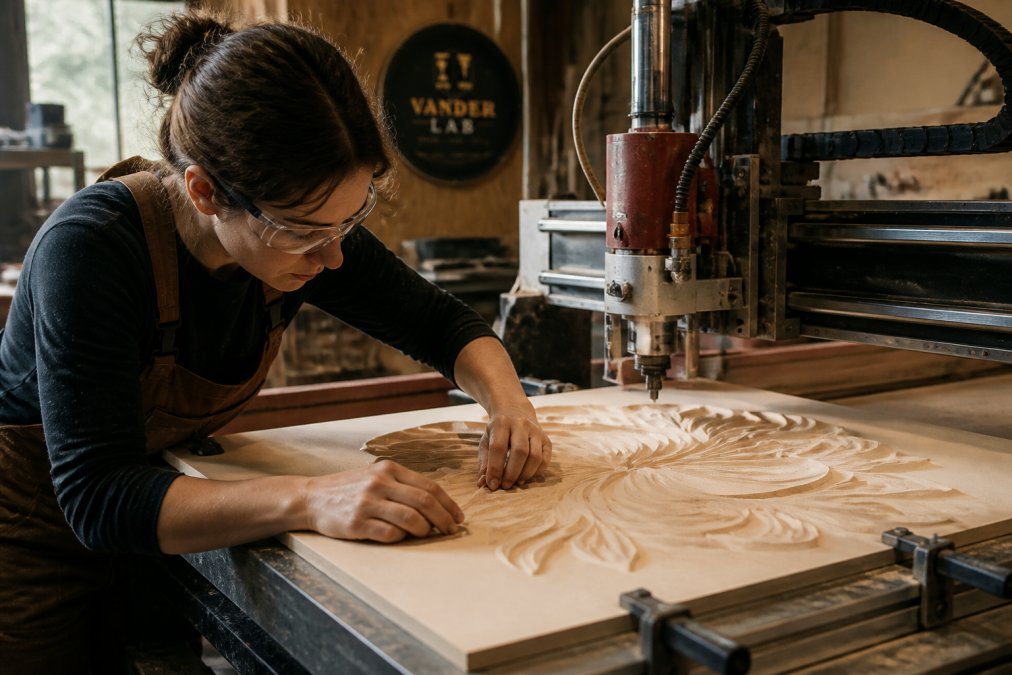
A CNC router is a computer-controlled cutting machine that follows a digital file to carve, engrave, or cut material with tight tolerances. That control matters most when a design has to be cut twice, or twenty times, and still match.
Hand tools reward a steady hand. A router rewards a good file. That trade is the whole story of CNC routing for artists.
Some of the best ideas start in a garage. That's where Richard Vanderpool built VanderLab's first CNC machine by hand in Mebane, North Carolina. It's also why we care about this topic: precision isn't abstract to us, it's the difference between a piece that fits and one that doesn't.
The benefits of precision CNC routing for artists come down to three things: repeatability, material range, and time back in your hands for finishing.
Material Versatility: What Artists Can Cut with Precision CNC Routing
Material versatility is where CNC routing opens doors that hand tools can't. A single machine can cut a wide range of materials when you match the bit, spindle speed, and feed rate to the material. The trick is that "match" is doing a lot of work in that sentence, each material has its own personality, and learning those personalities is most of the skill.
Here's how the common artist materials actually behave on a router:
- Wood: Different types of wood behave uniquely. Hardwoods can cut cleanly with the right bit, while plywood may require specific bits or backing to prevent chipping. Understanding the characteristics of each wood type is key for optimal results.
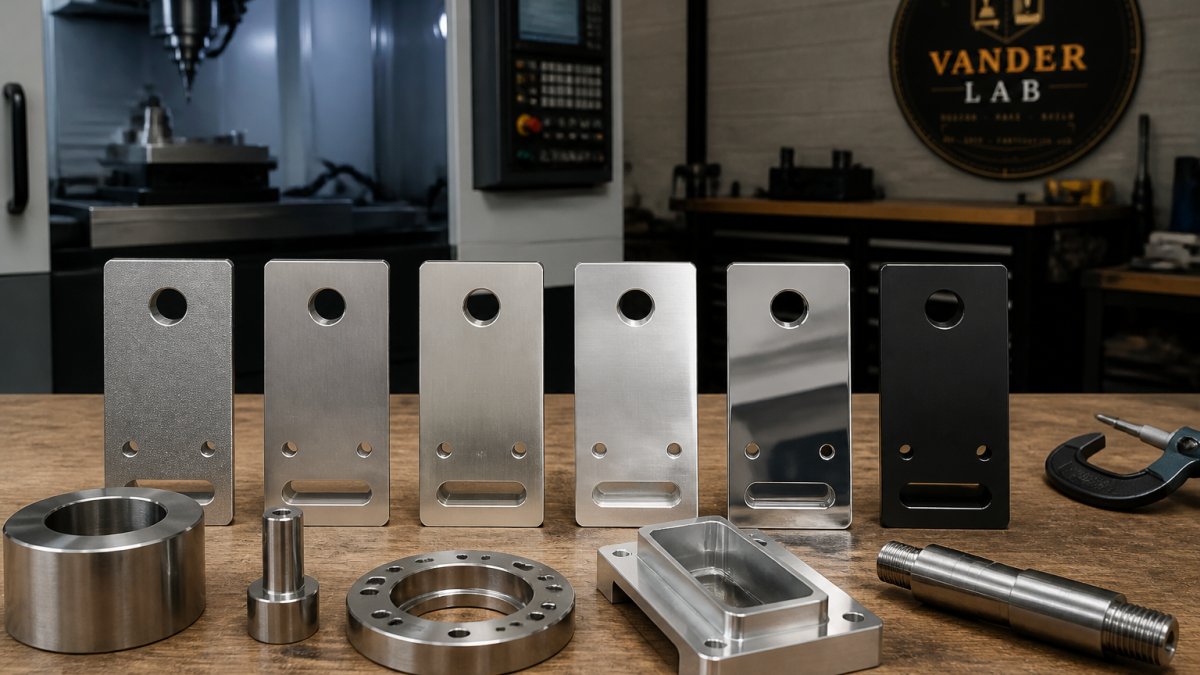
- Metals: Engraving and inlays are possible with appropriate bits, lubrication, and shallow passes. Different metals may require varying spindle speeds and chip clearance to achieve desired results.
Each material behaves differently. Depth of cut and feed rate change with density, and skipping those adjustments is the fastest way to burn an edge or snap a bit. A common pattern among artists moving from hand tools is to start conservative, shallow passes, slower feed, then dial up once the chips tell you the cut is clean.
For artists, that range means design flexibility. You design once in CAD software, then swap materials without rebuilding your process. The design file doesn't care whether the final piece is wood or metal; only the toolpath settings change.
Sustainable material usage is the angle most guides skip. Offcuts from one project become the stock for the next, small routed shapes, inlay pieces, and test squares all have a second life. Sheet nesting in CAM software (arranging parts on a sheet to minimize waste) can cut scrap significantly on batch runs, and choosing materials with known sourcing keeps the piece's story honest. For artists whose work carries a message about place or permanence, the material choice is part of the art.
From Sketch to Sculpture: How CAD and CAM Software Shape Artistic CNC Projects
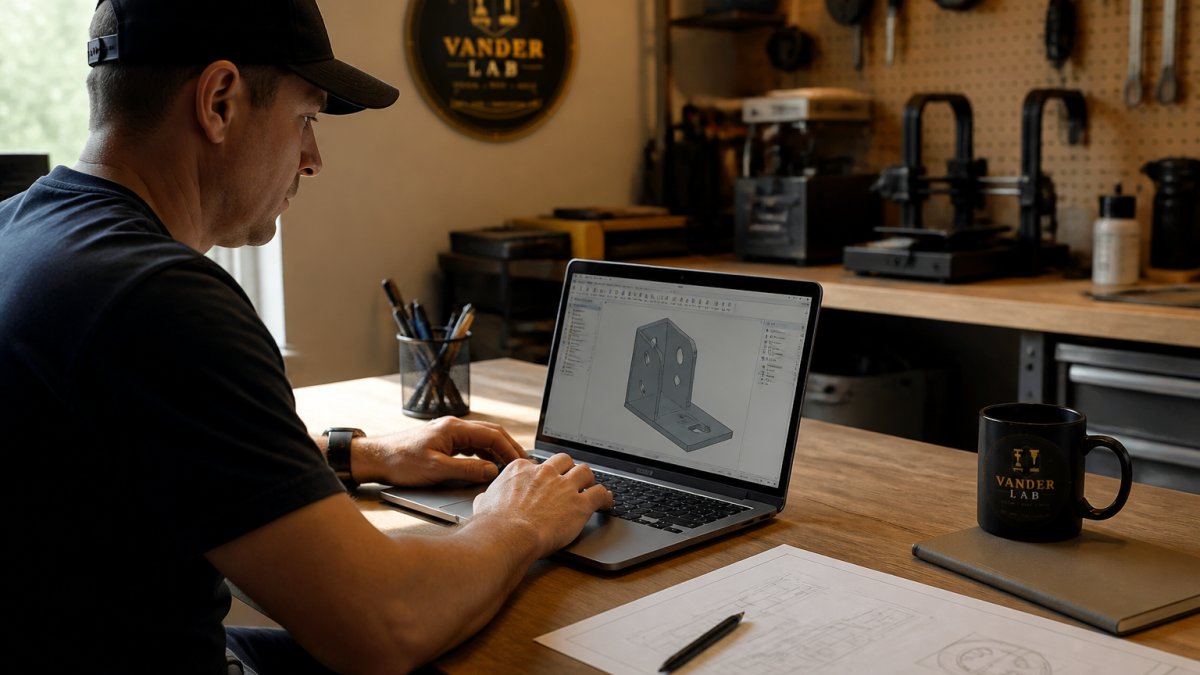
CAD software turns your sketch into a precise vector file, and CAM software converts that file into a toolpath the machine can follow. Together they bridge the gap between a drawing on paper and a finished 3D sculpture. That bridge is where most artists either fall in love with the process or bounce off it, so it's worth walking through honestly.
The workflow looks like this:
- Capture the design. Draw or scan your sketch, then trace it into vector graphics. A phone photo of a pencil drawing works fine as a starting point; the goal is a clean outline, not a perfect one.
- Clean up the vectors. This is the step nobody warns you about. Stray nodes, open paths, and overlapping lines that look fine on screen will confuse the toolpath. Most CAD and vector programs have a node-editing tool and a "join paths" command, learn those two and you'll save hours.
- Set the toolpath in CAM. Choose your bit size, depth of cut, stepover, and whether the cut is a profile (cutting out a shape), a pocket (removing an area), or a V-carve (varying depth for lettering and detail). Each choice changes how the piece looks, not just how long it takes.
- Preview and check for collisions. Every CAM program has a simulation view. Run it. Watching the toolpath play back catches clamps in the way, cuts that plunge too deep, and letters that would come out backwards.
- Run a test pass. Cut the design in scrap or foam first. A test pass in cheap material is the cheapest insurance in the shop.
Artists who come from a hand-tool background often find the software curve steeper than the machine itself. Programs built for routing, like Vectric's VCarve Pro design software, include tutorials aimed at makers rather than machinists, which shortens that ramp considerably. Free options like Inkscape for vector work and Fusion 360's personal-use tier for 3D modeling are common starting points, though the learning curve is steeper without a maker-focused tutorial library.
The payoff is design flexibility. Once a design lives in a file, changing a curve or scaling a piece takes minutes instead of starting over. That's the part hand-cut work can't match: a client asks for the same sign two inches wider, and you're not redrawing, you're re-nesting.
Artistic workflow integration is the gap most guides leave open. The hand-to-digital translation isn't a one-way trip. Many artists sketch on paper, scan, refine in vector software, cut a test, then go back to the sketch with what they learned. Others sculpt in clay or foam first, photograph the form from several angles, and use those photos to build a 3D model. The router doesn't replace the sketchbook, it becomes another tool in the loop, and the loop runs in both directions.
Custom CNC Routing Services in Mebane NC: When to Outsource Your Fabrication
Custom CNC routing services in Mebane NC make sense when a project needs equipment or capacity you don't have in your own shop. Outsourcing is the practical answer for large-format work, tight deadlines, or a material your machine can't handle.
Here's how to decide:
| Situation | Do It In-House | Outsource |
|---|---|---|
| One-off small piece | Yes | No |
| Batch of 50+ identical parts | No | Yes |
| Material beyond your machine's range | No | Yes |
| Design still changing | Yes | No |
| Deadline under two weeks | Sometimes | Yes |
VanderLab works from sketches, photos, or rough ideas, so you don't need a finished file to start. Local pickup keeps turnaround short, and shipping covers projects outside the area.
Hand-Finishing CNC Routed Pieces: Where the Machine Stops and the Artist Begins
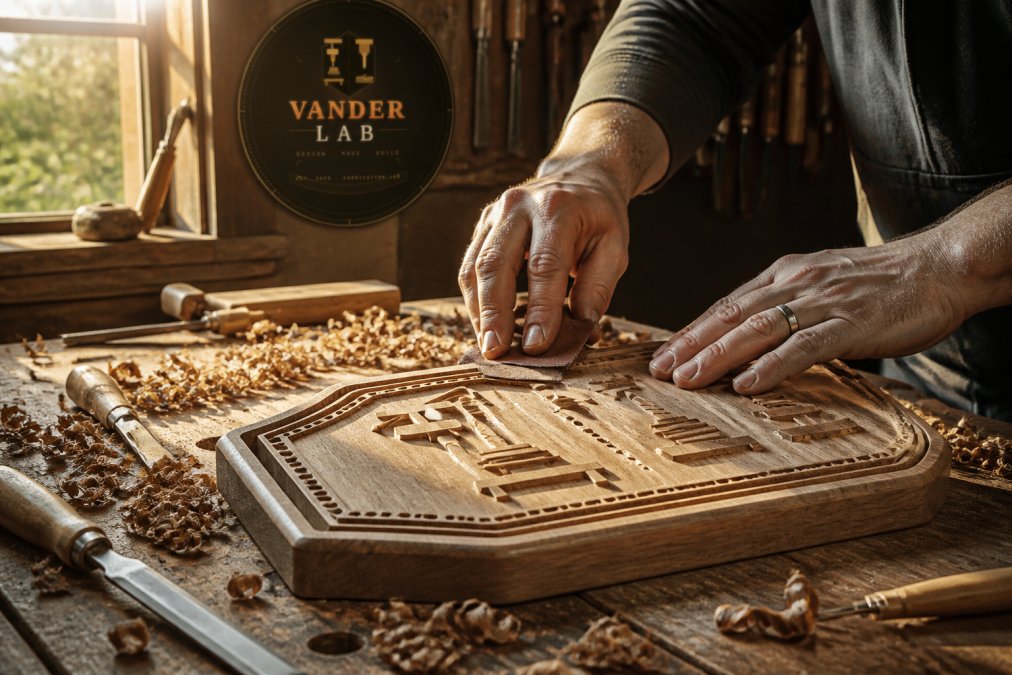
Hand-finishing is where a routed piece stops being a part and starts being art. Sanding, sealing, staining, and edge detailing are the steps that separate a clean cut from a finished object.
Scaling Your Art: From One-of-a-Kind Commissions to Batch Production
Batch production is the benefit artists feel fastest. Once a design is proven, running twenty pieces takes barely longer than running one, and every copy matches the original.
Frequently Asked Questions
What are the advantages of using a CNC router for artistic projects?
Precision CNC routing gives artists repeatable accuracy that hand-cutting cannot match, especially for intricate designs with tight tolerances. It handles complex geometry, curved cuts, and fine detail consistently across multiple pieces. Artists also gain material versatility, working with wood, acrylic, foam, and soft metals on the same machine. For commissioned work or batch production, CNC routing reduces human error and keeps every piece identical, which matters when a client orders a set or a gallery needs multiples.
How does CNC routing compare to manual woodworking for intricate designs?
Manual woodworking relies on steady hands and years of practice, and even skilled carvers lose some consistency across repeated pieces. CNC routing follows a digital toolpath, so every cut matches the design file exactly. That said, hand-finishing CNC routed pieces still matters. Sanding, staining, and detailing by hand give the work warmth and character that a machine alone cannot produce. Many artists use CNC for the rough shaping and reserve hand tools for the final touches.
Can CNC routing be used for custom home signage and decor?
Yes. Custom CNC routing services handle address signs, welcome plaques, decorative wall panels, and personalized keepsakes. The process works well for engraving lettering, cutting intricate borders, and shaping three-dimensional elements. Artists and makers in the Mebane area often combine CNC-routed bases with hand-painted or stained finishes to create pieces that feel personal rather than factory-made. Local pickup and shipping options make it practical for both nearby clients and nationwide orders.
What types of materials are best suited for artistic CNC routing?
Different types of wood hold fine detail well, while others may require slower feed rates to avoid tear-out. Certain plastics are popular for signage because they take clean edges and paint easily. Foam works for large sculpture prototypes before committing to heavier material. Metals are possible with the right spindle speed and depth of cut, though they may require more rigid machines and slower passes. Matching material to the project's final use matters more than picking the hardest option.
Scaling from a single commission to a batch run is where most artists hit a wall: the design is ready, but the equipment or the hours aren't. VanderLab handles custom CNC machining, 3D printing, and CAD design from our Mebane shop, working from your sketch, photo, or rough idea. We offer local pickup, shipping nationwide, and the same care on the first piece as the two-hundredth. Get a custom quote from VanderLab and turn your next design into something built to last.