 comparison
Xometry vs Protolabs for Custom Manufacturing in 2026
Table of Contents
- Xometry vs Protolabs for Custom Manufacturing: Quick Comparison
- How the Two Platforms Handle Custom Manufacturing
- Rapid Prototyping Lead Times Compared
- Materials, Tolerances, and Quality Control
- How to Avoid Layer Lines in 3D Printing
- Where Each Platform Wins: A Decision Framework
- Frequently Asked Questions
Last Updated: September 11, 2026
Xometry vs Protolabs for Custom Manufacturing: Quick Comparison
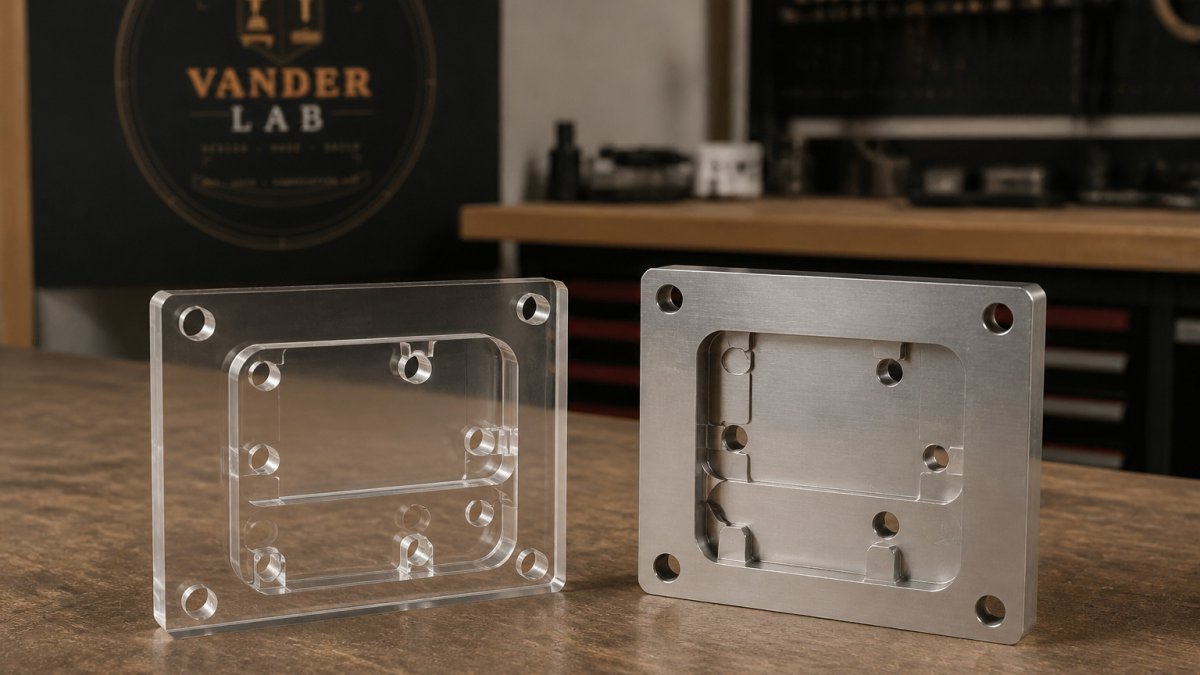
Choosing between Xometry vs Protolabs for custom manufacturing comes down to one question: do you want the widest possible supplier network, or a tightly controlled in-house production floor? Xometry is a manufacturing marketplace that routes your job to vetted partner shops, while Protolabs runs its own facilities with heavily automated processes. At VanderLab, we build precision parts and signage from our own fabrication lab in Mebane, North Carolina. This comparison breaks down lead times, tolerances, materials, and the hidden trade-offs most guides skip.
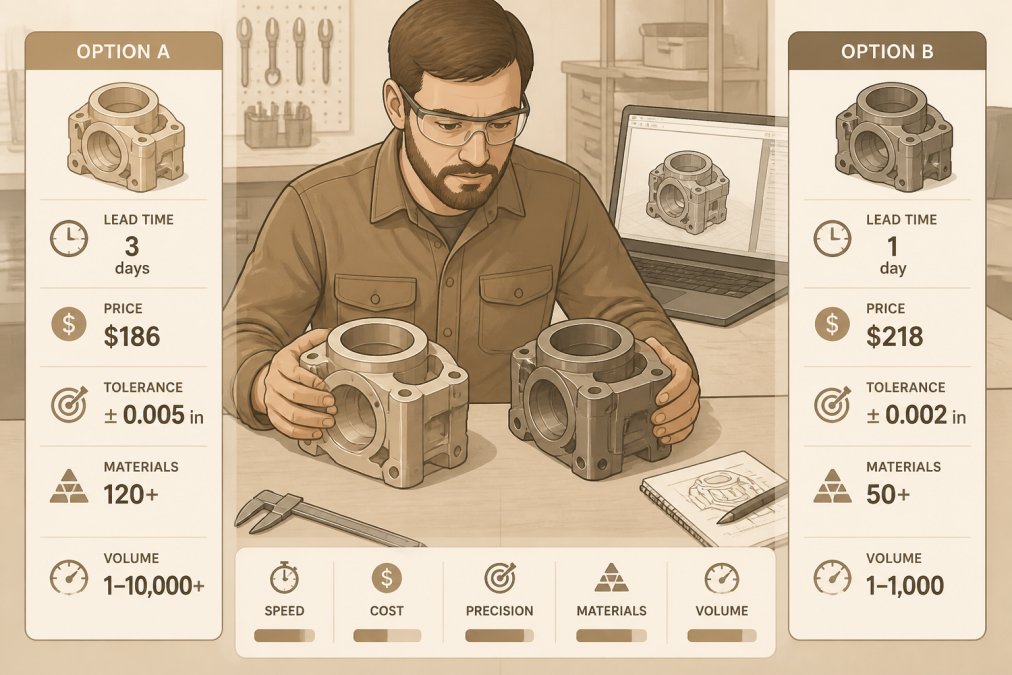
Here's the short version: Protolabs wins on speed and consistency for simple geometry, Xometry wins on breadth and complex part complexity. Neither is automatically cheaper, and the right pick depends on your project constraints, not brand loyalty.
| Factor | Xometry | Protolabs | Winner |
|---|---|---|---|
| Business model | Marketplace network | In-house production | Depends on volume |
| Quoting | Automated, instant | Automated, instant | Tie |
| Best for | Complex, varied parts | Fast, simple parts | Split |
| DFM feedback | Varies by partner | Consistent, automated | Protolabs |
| Lead time | Fast, network-dependent | Very fast, predictable | Protolabs |
How the Two Platforms Handle Custom Manufacturing
The two platforms solve the same problem with opposite philosophies, and that difference shapes everything downstream.
Marketplace Model vs In-House Production
Xometry operates as a manufacturing marketplace, connecting your order to a network of partner shops rather than producing parts itself. That gives it enormous manufacturing capacity and a wide material selection, but quality assurance depends on which vendor picks up your job.
Protolabs takes the opposite route: in-house production with standardized equipment and processes. You get repeatable results, but a narrower range of options and less flexibility on unusual geometries. For teams weighing the National Institute of Standards and Technology's manufacturing extension resources, the trade-off is capacity versus control.
Quoting, DFM Feedback, and CAD File Upload
Both platforms offer automated quoting and CAD file upload, but the DFM feedback differs. Protolabs applies its own automated design-for-manufacturing analysis consistently across every order, flagging thin walls, tight radii, and features that will not machine cleanly. Xometry's DFM feedback comes through its platform but can vary by partner shop.
Rapid Prototyping Lead Times Compared
Rapid prototyping lead times depend less on the platform and more on the process and part complexity. Protolabs generally delivers the most predictable turnaround because production stays in-house, with standard processes running on tight, published schedules. Xometry can match or beat those times when a partner shop has open capacity, but availability varies.
For CNC machining and additive manufacturing, both platforms move quickly on simple parts. Complex geometry, secondary finishing, or material certification adds days to either timeline. If your deadline is fixed, Protolabs is the safer bet; if your budget is fixed, Xometry's network often finds a faster slot at a lower unit cost.
Materials, Tolerances, and Quality Control
This is where the two models diverge most, and where a generic "marketplace vs. in-house" summary stops being useful. The practical questions are: who inspects the part, against what standard, and what happens when it fails?
Materials and Process Coverage
Protolabs runs a defined menu of processes, CNC machining, injection molding, sheet metal, and additive, with a published material list per process. Because the equipment is standardized, the achievable tolerance for a given material and feature is predictable before you upload. Xometry's network spans a much wider material selection, including engineering plastics, specialty alloys, and finishes that a single factory would not stock, but the achievable tolerance depends on which partner shop accepts the job and what equipment it runs.
A common pattern: a part that quotes at a tight tolerance on one Xometry partner may come back with a looser achievable tolerance from another. That is not a defect of the model, it is the model. If your drawing calls out a tolerance the assigned shop cannot hold, you find out at DFM review, not at delivery, provided you read the report.
Inspection, GD&T, and Documentation
Protolabs documents inspection in-house under one quality system, which makes first-article inspection reports and material certifications straightforward to request and consistent order to order. Xometry relies on vendor vetting plus partner-level quality processes, so inspection requirements should be specified up front, in the quote request, not after the PO.
For parts governed by geometric dimensioning and tolerancing (GD&T) per the ASME Y14.5 standard, ask both platforms for a first-article inspection report and a material certification before you commit (asme.org). On a marketplace order, confirm which partner is producing the part and whether that shop holds the relevant certifications for your industry. On an in-house order, confirm the inspection method, CMM, optical comparator, hand tools, because "inspected" means different things at different tolerances.
Post-Processing and Finishing
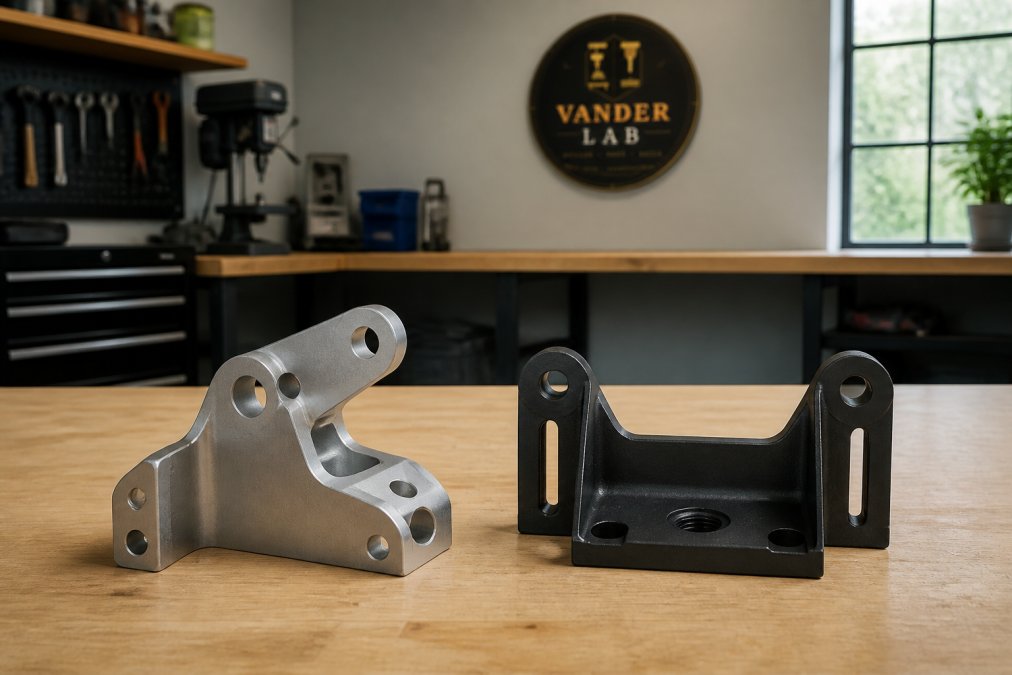
Most comparisons stop at the quote and never mention secondary operations, which is a mistake, finishing is frequently what separates a functional prototype from a customer-ready part. Anodizing, heat treating, plating, powder coating, bead blasting, and vapor smoothing all sit downstream of the primary process, and each adds lead time and a separate quality checkpoint.
Protolabs offers a defined set of finishing options tied to its in-house processes, so the finishing step is quoted and scheduled alongside the part. Xometry routes finishing through its network, which can widen the available finish menu but also adds a handoff where tolerance and cosmetic expectations need to be restated. Either way, specify the finish standard, for example, a cosmetic class or a surface roughness callout, rather than writing "smooth" on the drawing.
Intellectual Property and Data Handling
The model difference matters most here, and few comparisons address it. In a marketplace model, your CAD file may be shared with multiple partner shops during quoting and production, so confidentiality terms and file security practices deserve a direct question before you upload proprietary geometry. In a centralized factory model, the file stays within one organization's systems, which simplifies the confidentiality story but does not eliminate it.
For IP-sensitive designs, confirm in writing: who can see the file, how long it is retained, whether it is used for quoting only, and what the deletion policy is. This is a question worth asking of any manufacturing partner, including a small local shop, and it is one of the reasons some teams choose a single fabricator over a distributed network for parts they cannot afford to have circulate.
How to Avoid Layer Lines in 3D Printing
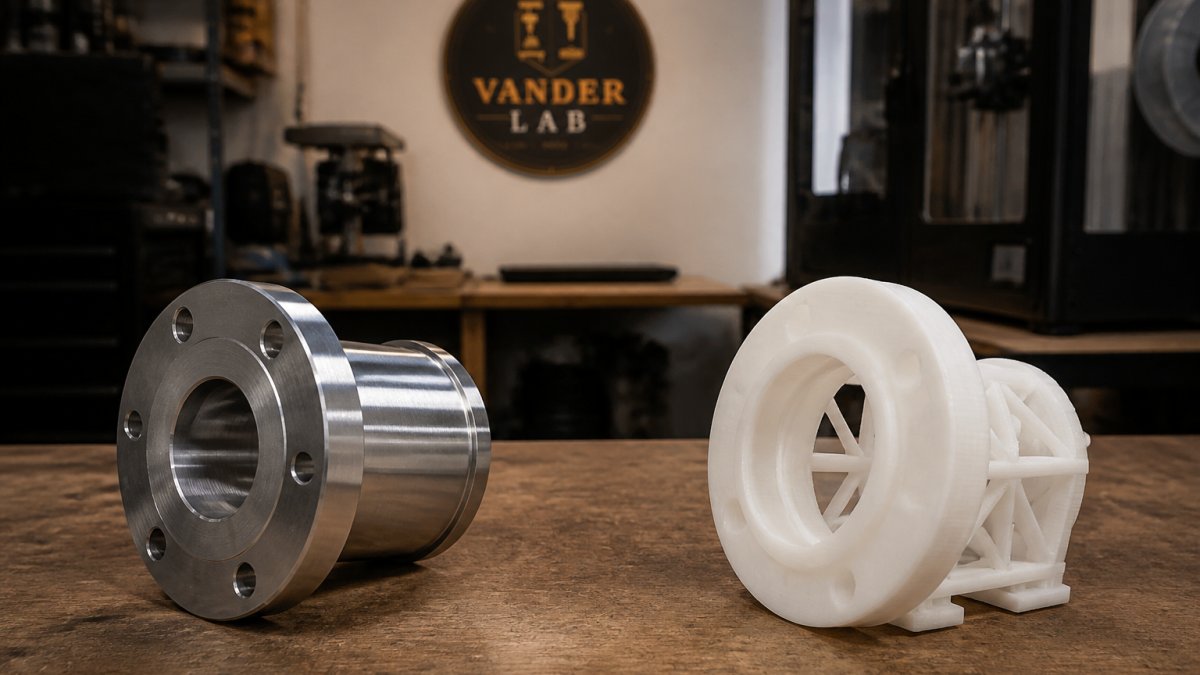
Layer lines are the visible ridges left where each printed layer meets the next, and you can reduce them with the right orientation, layer height, and post-processing. Lower layer heights produce finer steps, but they also increase print time.
- Orient the part so layer lines fall on non-cosmetic faces
- Use a smaller layer height on visible surfaces
- Apply post-processing like sanding, vapor smoothing, or bead blasting
- Choose resin or a finer additive process for smooth finishes
Both Xometry and Protolabs offer post-processing and finishing services, an angle most comparisons ignore. Finishing is often what separates a functional prototype from a customer-ready part.
Where Each Platform Wins: A Decision Framework
Brand-level advice, "pick Protolabs for speed, Xometry for breadth", is where most comparisons end, and it is not enough to make a real decision. The better approach is to score your project against the constraints that actually change the answer.
Score Your Project Against These Constraints
| Constraint | Leans Protolabs | Leans Xometry |
|---|---|---|
| Geometry | Standard, well-understood features | Unusual or hard-to-machine geometry |
| Tolerance | Tight, repeatable across a run | Achievable but shop-dependent |
| Volume | Low-to-mid volume, repeat orders | Prototype through production, varied batch sizes |
| Material | Within the published menu | Specialty alloys or engineering plastics |
| IP sensitivity | Centralized handling preferred | Confirm partner exposure first |
| Deadline | Fixed date, predictable schedule | Flexible date, capacity-dependent |
| Finishing | Defined in-house finish menu | Wider finish menu via network |
Prototyping vs. Production Runs
Both platforms handle prototyping, but they scale differently. Protolabs is built around low-to-mid volume with repeatable processes, so a design that passes first-article inspection tends to reproduce consistently on the next order. Xometry's network can absorb larger or more varied production runs and often finds capacity when a single factory is booked, but consistency across a run depends on the same partner producing every batch, worth confirming if you plan to reorder.
A practical rule: if the part will be reordered many times and must not change, a centralized process is easier to control. If the part is one of many and the priority is getting it made at all, a network wins on reach.
CAD Integration and Quoting Workflow
Both platforms support direct CAD file upload for automated quoting, and both offer integrations that let engineers pull a quote without leaving their design environment. The practical difference is how much of the DFM feedback arrives inside that workflow versus in a separate report. Protolabs applies its own automated DFM analysis consistently, so the feedback you see on one upload looks like the feedback on the next. Xometry's feedback can vary by partner, which means the DFM report deserves a closer read before you approve.
Sustainability and Shipping Footprint
A distributed network can shorten the distance between the shop and the customer when a partner is geographically close, which can reduce shipping emissions on a per-order basis. A centralized factory ships from one hub, which is predictable but not always local. Neither model is automatically greener, the honest answer depends on where the part is made and where it is going, and it is a question worth asking both platforms if sustainability is a factor in your sourcing.
When a Local Shop Is the Better Fit
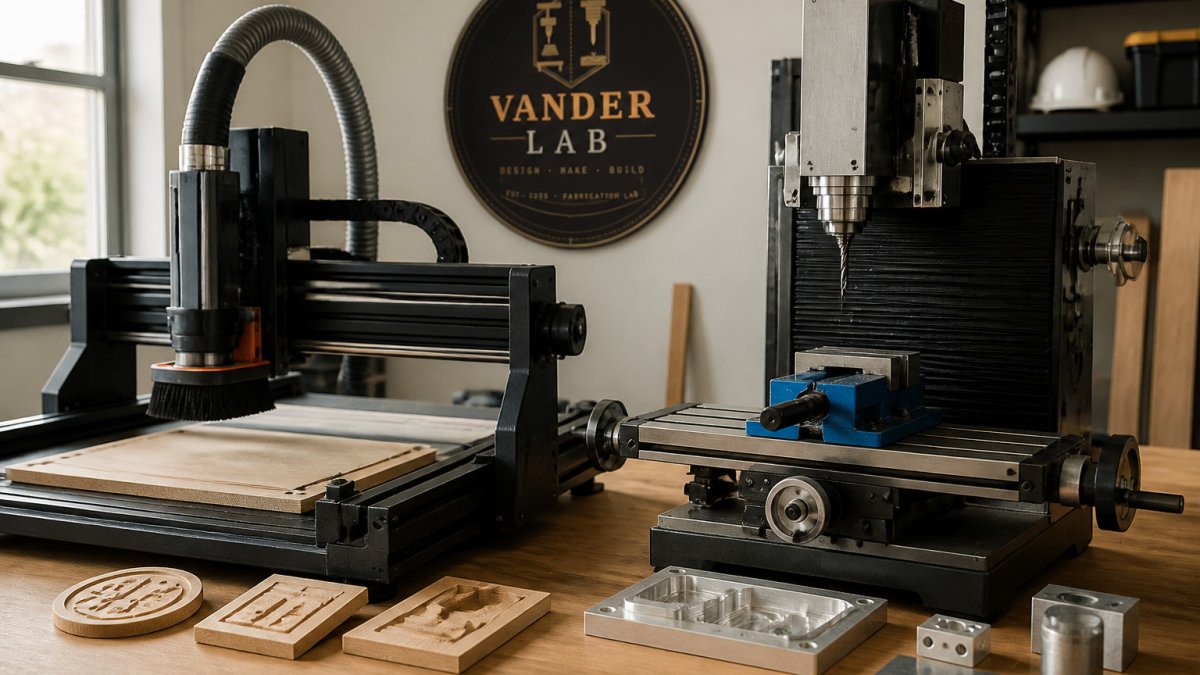
For smaller runs, one-of-a-kind pieces, or projects where you want to talk to the person making the part, a local fabrication shop is often the right call. At VanderLab, we handle custom CNC machining, 3D printing, laser engraving, and CAD design directly from our own shop in Mebane, North Carolina, working from sketches or rough ideas, hand-finishing the result, and shipping nationwide. You can request a custom quote or browse finished work in our online shop.
Frequently Asked Questions
Who competes with Xometry and Protolabs in custom manufacturing?
Beyond each other, the space includes platforms like Fictiv, RapidDirect, and Quickparts. Fictiv pairs a vetted partner network with a quality management system, RapidDirect emphasizes cost-efficient quoting with automated DFM analysis, and Quickparts handles complex injection molding and secondary finishing. Each serves a slightly different mix of prototyping speed, production scale, and documentation needs, so the right fit depends on your part's complexity and how much traceability you require.
How do Xometry and Protolabs handle quality control for custom parts?
Protolabs runs in-house production with its own inspection processes, so quality standards stay consistent across orders. Xometry routes work through a vetted supplier network and layers on inspection and documentation requirements depending on the job. If your project needs material certification or geometric dimensioning and tolerancing reports, confirm those upfront. Ask what inspection data ships with the parts and whether first-article inspection is available for production runs.
Which platform is better for rapid prototyping versus production runs?
Protolabs built its reputation on fast turnaround for prototypes, especially injection-molded and CNC-machined parts with tight tolerances. Xometry scales more naturally into larger batch production because its marketplace taps broader manufacturing capacity. For a single functional prototype, either works well. For a run of hundreds or thousands of units, weigh unit cost, lead time, and whether you want one shop or distributed capacity handling the work.
Do Xometry and Protolabs offer different materials for CNC machining?
Both cover the common metals and plastics: aluminum grades, stainless steel, brass, copper, ABS, polycarbonate, and acetal among them. Protolabs publishes a defined material list tied to its in-house processes. Xometry's network often reaches a wider material range, including specialty alloys and engineering resins, because different partner shops stock different stock. Check availability for your specific alloy before quoting, since exotic materials affect both lead time and unit cost.
How does the quoting process differ between Xometry and Protolabs?
Both offer automated quoting from a CAD file upload. Xometry's instant quote pulls from its partner network and can shift with capacity and material availability. Protolabs quotes against its own machines, so pricing stays consistent but may be higher for simple parts. For either, DFM feedback arrives with the quote, flagging thin walls, deep pockets, or tolerances that will drive cost. Review that feedback before ordering to avoid surprises.
Weighing Xometry against Protolabs for custom manufacturing is really about matching the platform to your constraints: speed, tolerance, or cost. When you want that same precision without the marketplace middleman, VanderLab brings custom CNC machining, 3D printing, and CAD design together under one roof, with tight tolerances, hand-finished parts, and production runs delivered on time. Get started with VanderLab and turn your rough idea into a finished, built-to-spec part.