 comparison
Why Choose Professional CNC Over DIY: 2026 Guide
Table of Contents
- Professional CNC vs DIY: The Real Decision
- CNC Router Precision Tolerances: DIY vs Professional
- Total Cost of Ownership: The Math Most People Skip
- Outsourcing Custom Fabrication: When It Makes Sense
- Material Throughput and Workflow Integration
- Resale Value and Long-Term Reliability
- Conclusion: Choosing What Fits Your Shop
- Frequently Asked Questions
Last Updated: September 14, 2026
Professional CNC vs DIY: The Real Decision
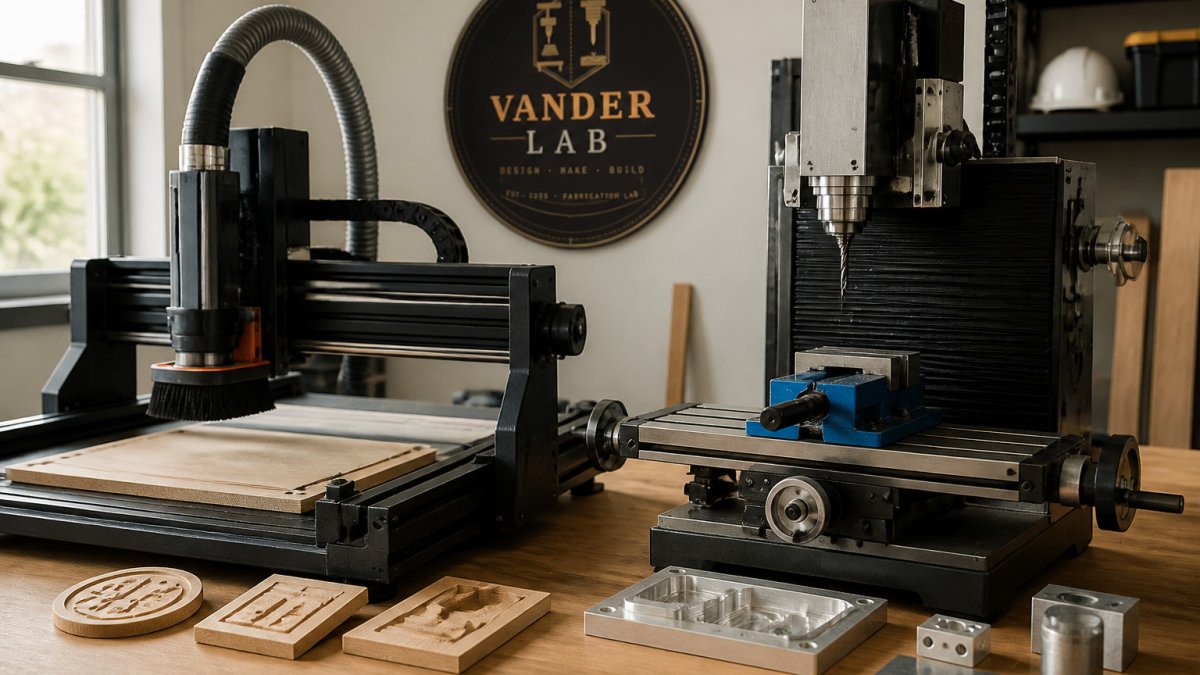
Walk into most home shops and you will find the same scene: a benchtop router half-assembled, a box of spare belts, and a project that has been "almost finished" for three weekends. That is the honest picture behind the question of why choose professional CNC over DIY. At VanderLab, we have watched that math play out in our own Mebane shop, where Richard built his own CNC machine before taking on client work. Building the machine taught him plenty. It also taught him exactly when building stops being the point.
The decision is not about whether you can run a DIY machine. You can. It is about whether the hours you spend tuning, tramming, and troubleshooting are hours you wanted to spend making parts, or hours you would rather have back.
Below is the framework we use when a customer asks whether to buy a kit or hand the job to a shop. It comes down to four numbers: tolerance, total cost of ownership, throughput, and resale.
What DIY Actually Costs You
A DIY router kit is not a cheaper machine. It is a machine plus an unpaid second job.
Assembly alone runs a full weekend on most entry-level kits, and calibration runs longer. Squaring the gantry, tramming the spindle, setting belt tension, and dialing in your steps-per-millimeter all happen before the first clean cut. Then you learn the software, and then you learn the machine again when you change materials.
The hidden cost is not parts. It is the learning curve you pay for in evenings. Hobbyist forums are full of builders who spent six months getting a machine to cut reliably and two weeks actually cutting things they wanted. That trade is fine if building was the goal. It is a poor trade if you needed a bracket by Friday.
NIST Engineering Statistics Handbook on measurement uncertainty is worth a read here. It explains why tolerance is a system property, not a single number, and why a flexible frame undermines everything downstream.
CNC Router Precision Tolerances: DIY vs Professional
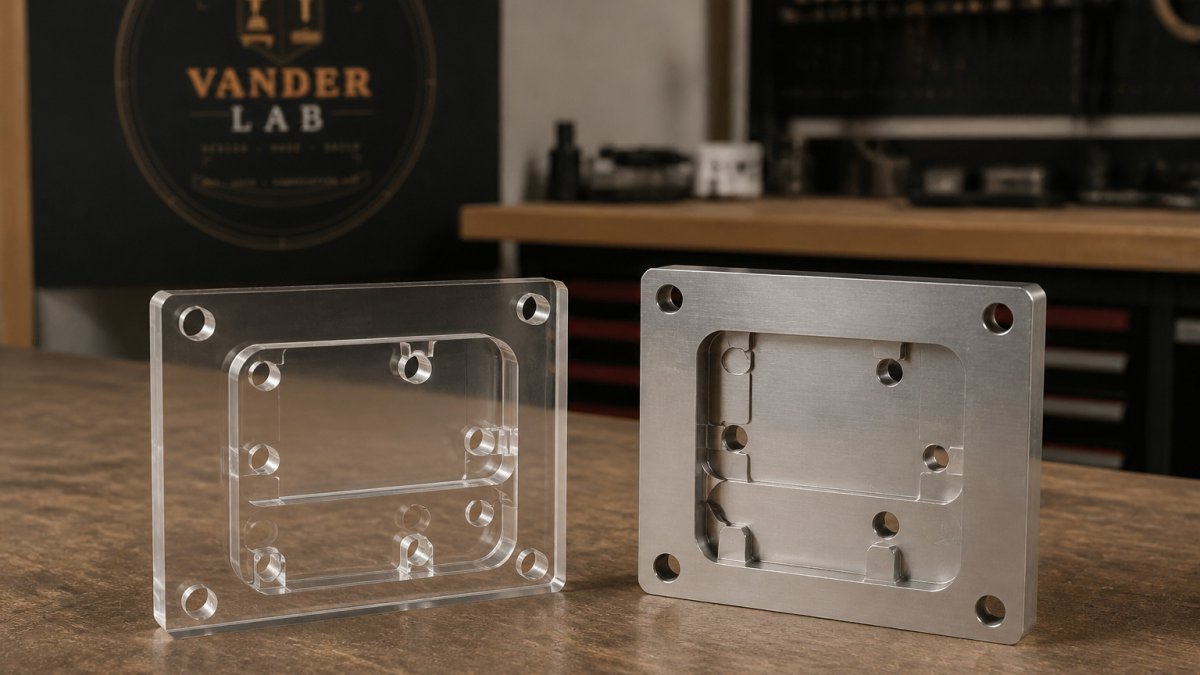
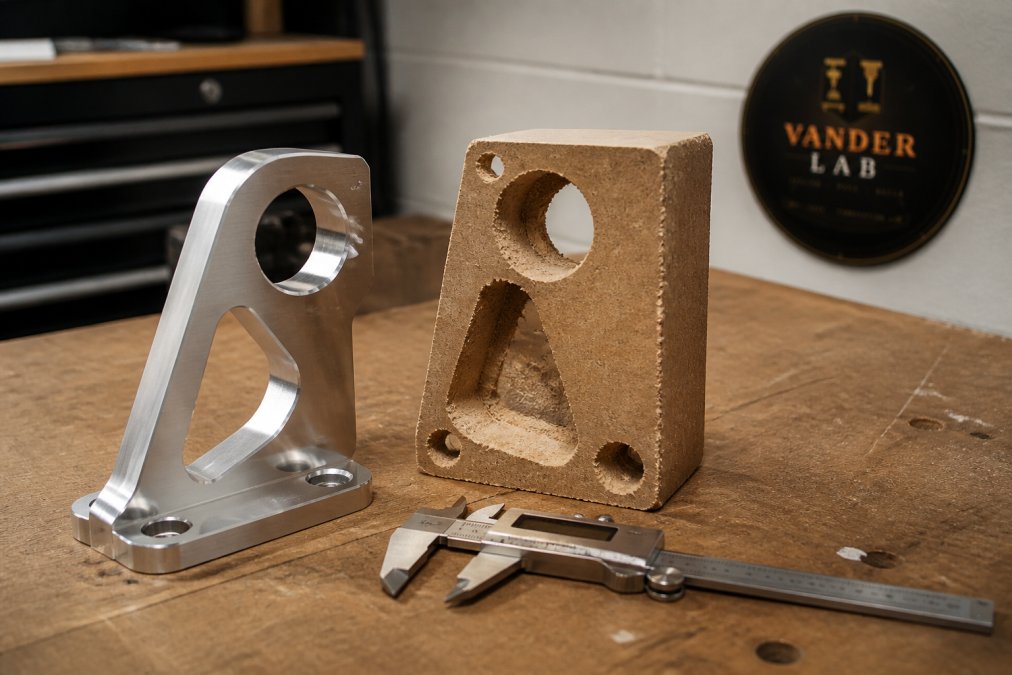
Tolerance is the deciding spec, and it is the one buyers understand least. Tolerance is the allowable deviation between the dimension on your drawing and the dimension on the finished part. A machine that holds tight tolerances produces parts that fit together on the first try. A machine that does not produces parts that need filing, shimming, or remaking.
The gap between a budget kit and a professional machine comes down to three things: rigidity, motion components, and the spindle.
- Rigidity: A cast iron frame or a heavily gusseted steel gantry resists deflection during a cut. A bolted aluminum extrusion frame flexes, and flex shows up as chatter and dimensional drift.
- Motion components: Linear rails and ball screws hold position under load. V-wheels and belts stretch, and that stretch becomes backlash you have to compensate for in software.
- Spindle: A professional spindle holds torque across a range of RPMs. A trim router bogs down in hard material, which forces you to slow your feed rate and accept a rougher finish.
Total Cost of Ownership: The Math Most People Skip
Total cost of ownership is where the DIY argument usually collapses. The purchase price is the smallest line item, and most buyers never build the full ledger.
Start with the categories a kit price hides:
- Tooling that wears out. End mills, V-bits, and surfacing bits are consumables. Learning on a new machine eats them faster, because a bad feed rate or a wrong plunge snaps cutters that a dialed-in setup would never stress.
- Spoilboard and fixture material. Every resurfacing pass and every failed hold-down is stock you paid for and cut into scrap.
- Dust collection and electrical. A spindle needs proper extraction and a circuit that can carry the load. That is infrastructure, not accessories.
- Software you outgrow. Free CAM gets you cutting, then stops matching the toolpaths your parts need. The upgrade is a real line item.
- Downtime. This is the one nobody writes down. Every evening spent chasing a skipped step or a loose belt is an evening not spent on paid or personal work.
- Rework. Parts remade because the first version was out of spec carry the full cost of the material, the machine time, and the do-over.
Add those up honestly and the kit price stops looking like the price. A common pattern among home builders is that the true cost of a first reliable cut lands well above the sticker, spread across months rather than paid once.
Professional fabrication flips the structure. You pay per part, and the shop absorbs the machine cost, the maintenance interval, the calibration, and the scrap. For a one-off, that is clearly the simpler trade. For repeat production, the comparison depends on volume, and it is worth pricing honestly rather than guessing.
| Factor | DIY Route | Professional Route |
|---|---|---|
| Upfront cost | Machine, tooling, software, infrastructure | Per-part quote |
| Time to first good part | Weeks to months | Days |
| Consumables and scrap | Yours, and highest while learning | Absorbed by the shop |
| Downtime | Your evenings | Shop's responsibility |
| Tolerance consistency | Depends on frame rigidity | Held to spec |
| Resale | Modified kit sells for parts | Documented machine holds value |
| Best for | Learning, one-off experiments | Repeatable, spec-critical parts |
The resale column most guides ignore
A professional machine from an established maker holds value because the next owner knows what they are buying. A modified DIY kit sells for parts, because the buyer inherits your calibration problems and an unknown history. That depreciation is a real cost of ownership, and it never shows up in a kit review.
The same logic applies when you outsource. You are not buying a machine, you are buying a known process, and the shop carries the depreciation, the maintenance, and the risk of a bad cut. That is why the per-part number is the honest comparison, not the kit price.
If your parts need to fit an existing assembly, the tolerance and rework rows decide the whole table.
Outsourcing Custom Fabrication: When It Makes Sense
Outsourcing custom fabrication makes sense the moment a part has to fit something else. Brackets, enclosures, mounting plates, and anything with a mating surface punish small dimensional errors, and a shop with a rigid machine and a calibrated workflow removes that risk.
The second trigger is volume. Once you need the same part more than a handful of times, setup time per part drops and the per-unit picture changes. The third trigger is material. Aluminum, steel, and engineering plastics cut differently from pine, and a machine built for wood will struggle with all three.
The fourth trigger is the one people miss: deadlines. A school event, a tournament, or a product launch does not move because your machine threw a fault on Tuesday night. VanderLab has printed 250 custom-designed holders for a local school and produced engraved trophies for a local disc golf tournament, and both jobs succeeded because the production schedule did not depend on one hobby machine staying healthy.
Material Throughput and Workflow Integration
Throughput is the number of good parts per hour, and it is the metric DIY marketing never mentions. A hobby router running conservative feeds in softwood might finish a simple profile in a reasonable time. The same machine in aluminum, at a feed rate it can actually survive, can take several times longer, and the finish usually needs more hand work afterward.
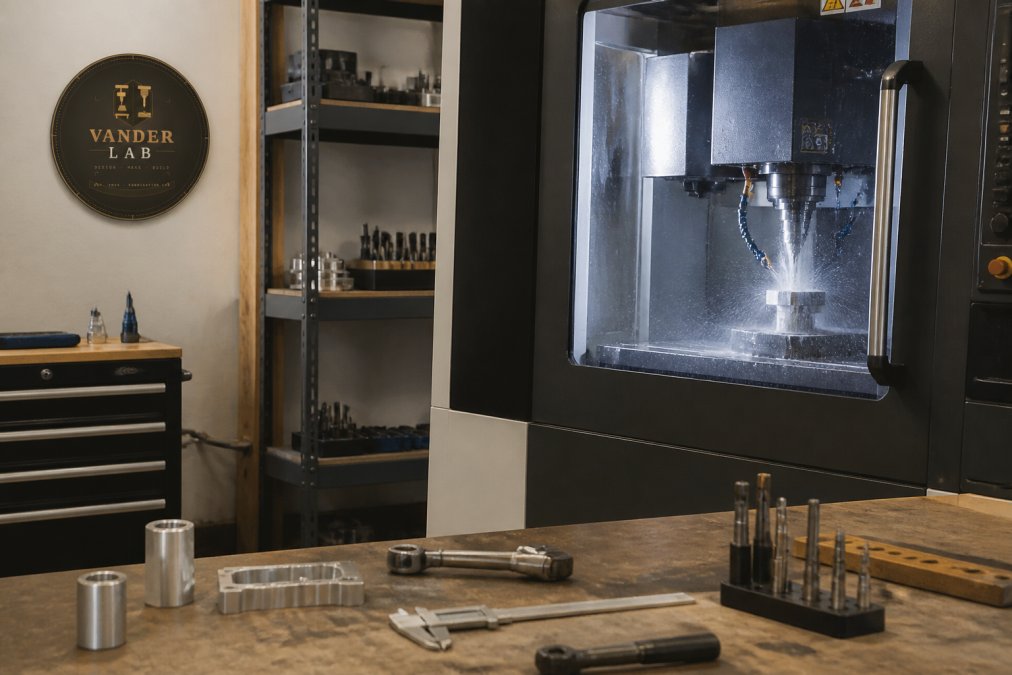
Throughput also depends on duty cycle. A trim router is not built to run for hours, and a stepper-driven gantry without proper heat management will drift as it warms. Professional equipment is designed for continuous operation, which is why a shop can quote a batch and hit the date.
Where the workflow actually breaks
Workflow integration is the part DIY guides skip, and it is where most home setups lose the most time. A professional shop may run a defined pipeline:
- Design in CAD. A part is modeled as a solid, not sketched on a napkin, so dimensions are explicit and editable.
- Generate toolpaths in CAM. The software picks passes, stepover, and feed rates based on the material and the cutter, not on guesswork.
- Verify before cutting. Toolpath simulation catches a crash or a gouge before a single cutter touches stock.
- Fixture and set zero. The workholding and the origin are planned, so the part sits where the toolpath expects it.
- Cut, then hand-finish. The machine holds the geometry; the maker handles the edges, the grain, and the final surface.
On a DIY setup, every one of those steps is your problem, and each is a place for the job to stall. The post-processor that turns your CAM output into machine instructions may not match your controller. The fixture you built for one part may not hold the next. The toolpath that looked fine on screen may chatter because the frame flexes under load.
That is the real integration gap. A professional shop accepts standard CAD/CAM output, runs verification before cutting, and hands off finished parts with a known surface finish. You send a file or a sketch; the shop owns the pipeline from there.
What this means for your project
If you are cutting one sign or one bracket, the workflow overhead is easy to absorb. If you are cutting the same part repeatedly, or cutting a material your machine was not built for, the pipeline is the difference between a batch that ships and a batch that stalls.
OSHA machine guarding guidance for CNC equipment is the relevant reference if you are running a spindle in a home shop. Guards, emergency stops, and dust control are not optional extras.
Resale Value and Long-Term Reliability
Reliability is the quiet advantage of professional equipment, and resale is the loud one.
A professional machine from an established manufacturer holds value because the buyer knows what they are getting. A modified DIY kit sells for parts, because the next owner inherits your calibration problems and your unknown history.
Reliability shows up in uptime. A machine that needs recalibration every few weeks costs you the projects you did not take. A machine that runs for months between service intervals lets you say yes to work.
This is the part most guides skip: the real return on a professional machine is not the parts it makes. It is the jobs you can accept without wondering whether the machine will cooperate. That is also why shops that do this for a living can offer satisfaction guarantees on custom work: the process is predictable enough to promise an outcome.
ASME standards for dimensional tolerances and machining covers the specification side if you need to write tolerances into a drawing.
Conclusion: Choosing What Fits Your Shop
The honest answer is that DIY and professional CNC solve different problems. If the machine is the project, build it and enjoy it. If the part is the project, hand it to someone whose machine is already dialed in.
That is the work VanderLab does from our Mebane shop: precision parts, custom signage, and one-of-a-kind pieces built with 3D printing, CNC routing, laser engraving, and CAD design, with local pickup available and shipping nationwide. Send us a sketch, a photo, or a rough idea and we will turn it into a print- or machine-ready file, then deliver the finished part on time and to spec. Get started with VanderLab and spend your evenings on the next project instead of the last one.
Frequently Asked Questions
Is it cheaper to build your own CNC or buy parts from a professional shop?
The kit price is only part of the story. A hobby router runs a few hundred dollars, but you also pay in assembly hours, calibration, software learning, and failed cuts. Add material waste and replacement bits, and the gap narrows fast. For one-off prototypes, outsourcing custom fabrication usually wins on total cost. For repeat production runs, the math depends on volume, so ask for a quote with your actual part count.
How do professional CNC tolerances compare to DIY setups?
Professional machines hold CNC router precision tolerances in the thousandths of an inch range because of rigid frames, ball screws, and linear rails. A budget DIY kit with a light gantry and belt drive flexes under load, so cuts drift. That drift shows up as loose fits, wobbling joints, and parts that need hand rework. If your project has mating surfaces or moving assemblies, tolerance matters more than the machine's sticker price.
What materials can professional CNC services handle that DIY machines cannot?
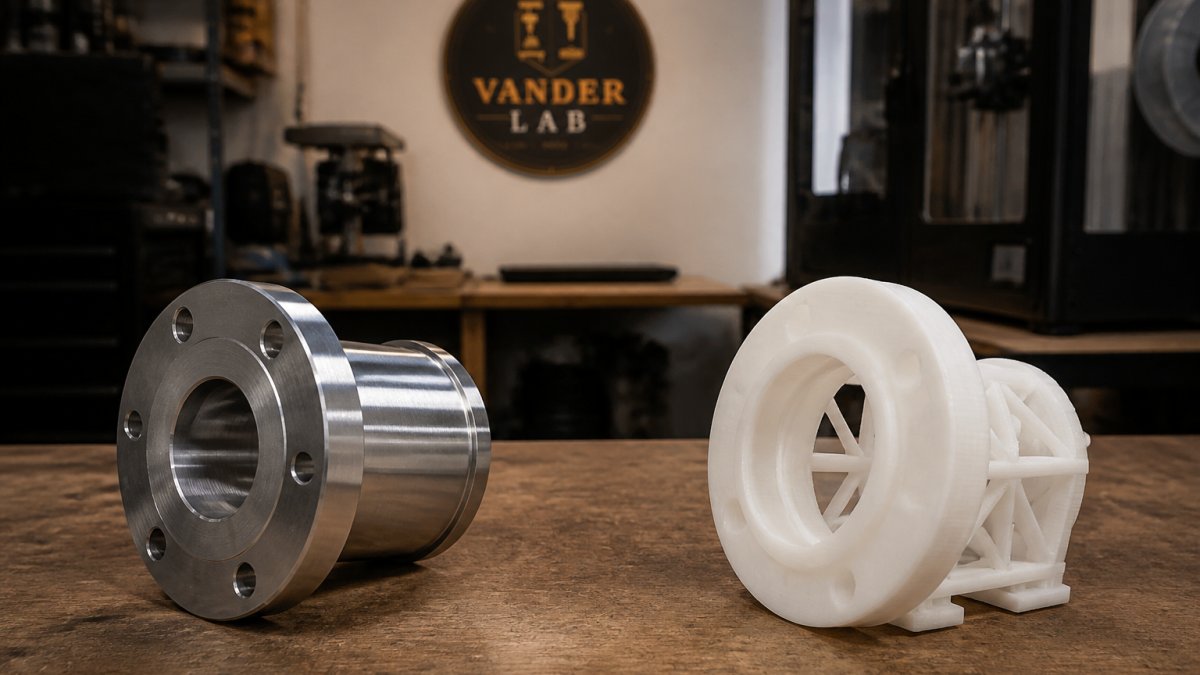
Entry-level routers handle wood, plastic, and acrylic well. Aluminum and brass are possible on stiffer hobby machines but slow. Professional equipment machines steel, stainless, and engineering plastics with proper feeds, speeds, and coolant. If your part needs metal, tight tolerances, or a production finish, that work belongs on industrial-grade equipment, not a benchtop kit.
Is professional CNC machining more cost-effective for small-batch projects?
For runs of 10 to 250 parts, professional CNC usually beats DIY on cost per good part. You skip the machine investment, the scrap from trial cuts, and the hours spent learning CAM software. You also get repeatability, so part 200 matches part 1. For a single decorative piece with loose tolerances, a hobby router can work fine. Match the tool to the job.